🚀 Get to pre-production in weeks, not months, with private training direct from Jube’s developer — real sovereignty, zero vendor lock-in.
Reprocessing Filters
Reprocessing can demand an overwhelming amount of data and it is extremely important that data be filtered as much as possible.
Start by navigating to Models » Reprocessing:
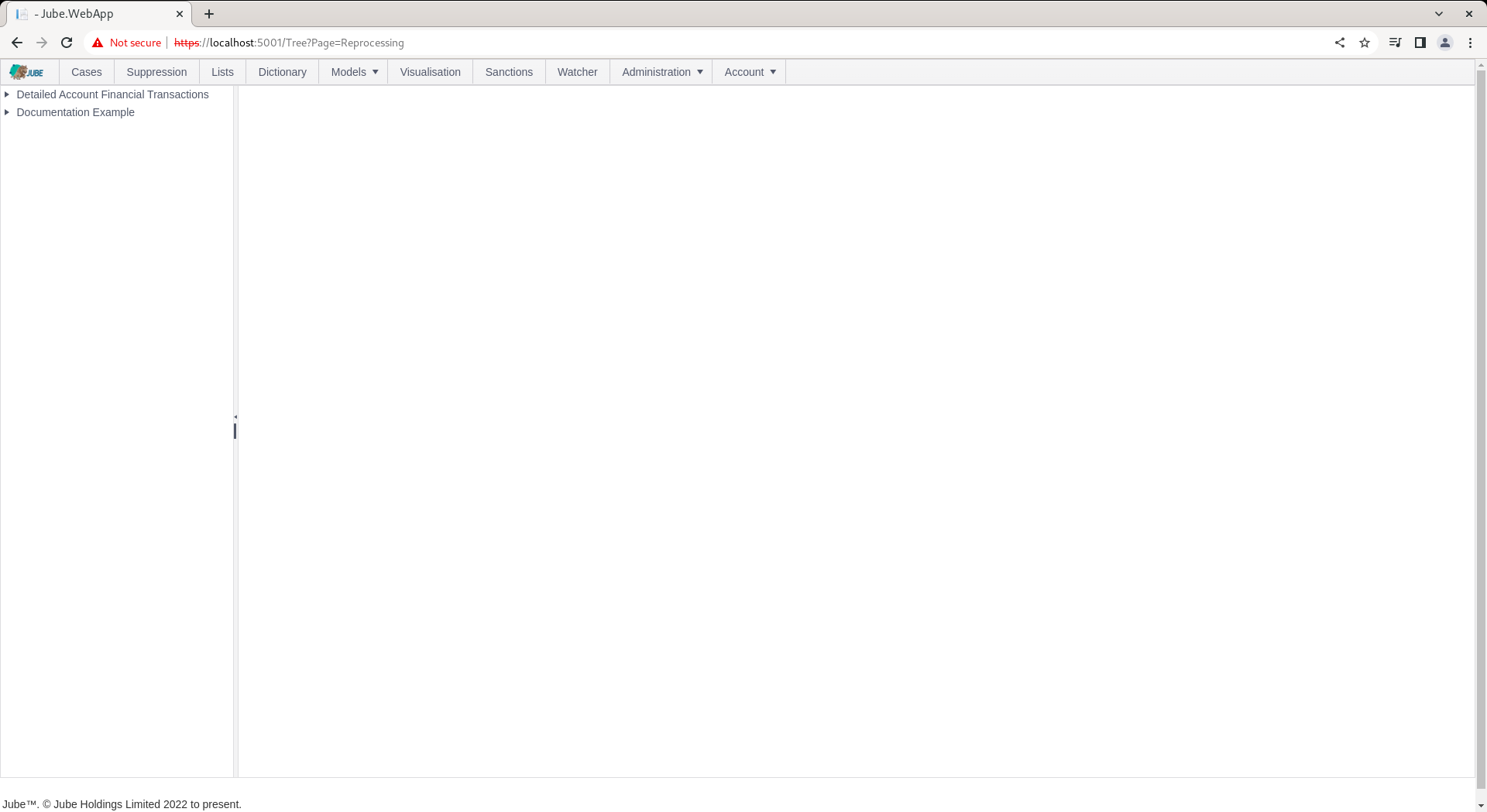
Click on the upper left hand side tree entry showing the Transaction model to add a new Reprocessing filter and container:
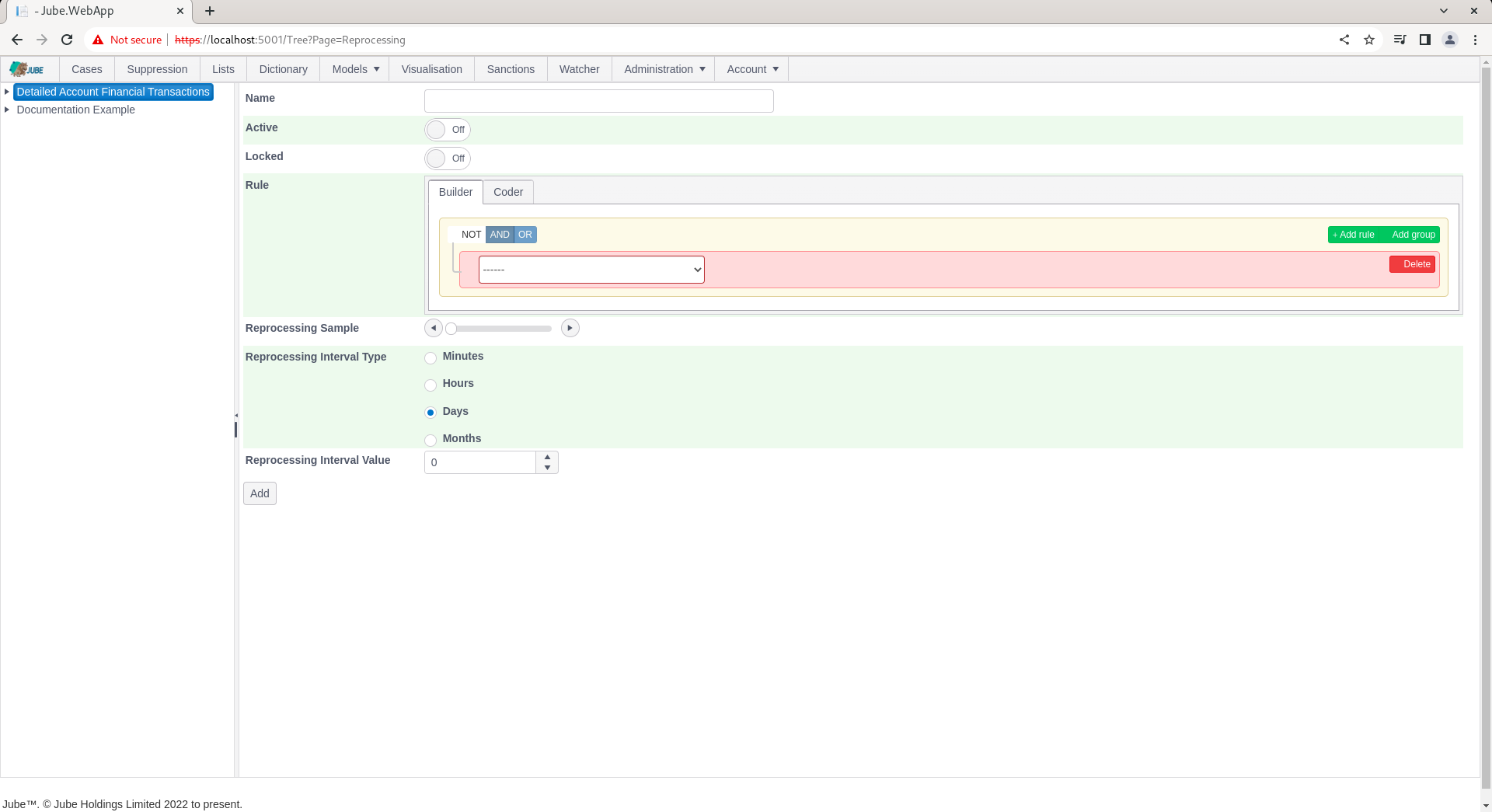
The Rule constructor has the following limited collections available for filtering:
| Name | Description |
|---|---|
| Payload | The fields created in the Request XPath page. The processing will take place as if the transaction was new. |
The reprocessing filter is comprised of the following parameters:
| Value | Description | Example |
|---|---|---|
| Reprocessing Sample | The percentage of sampling to take place in the reprocessing, from 0% (nothing) to 100% (everything). | 100% |
| Reprocessing Interval Type | The date interval to subtract the current date by to arrive at a threshold to process data from. | d |
| Reprocessing Interval Value | The date interval value interval to subtract the current date by to arrive at a threshold to process data from. | 1 |
The Reprocessing Rule name is required and limited to 256 characters, and must be unique within the Model. The Builder or Coder rule script (whichever surface is selected) is required and limited to 65,536 characters.
Complete the page as above parameters or as below:
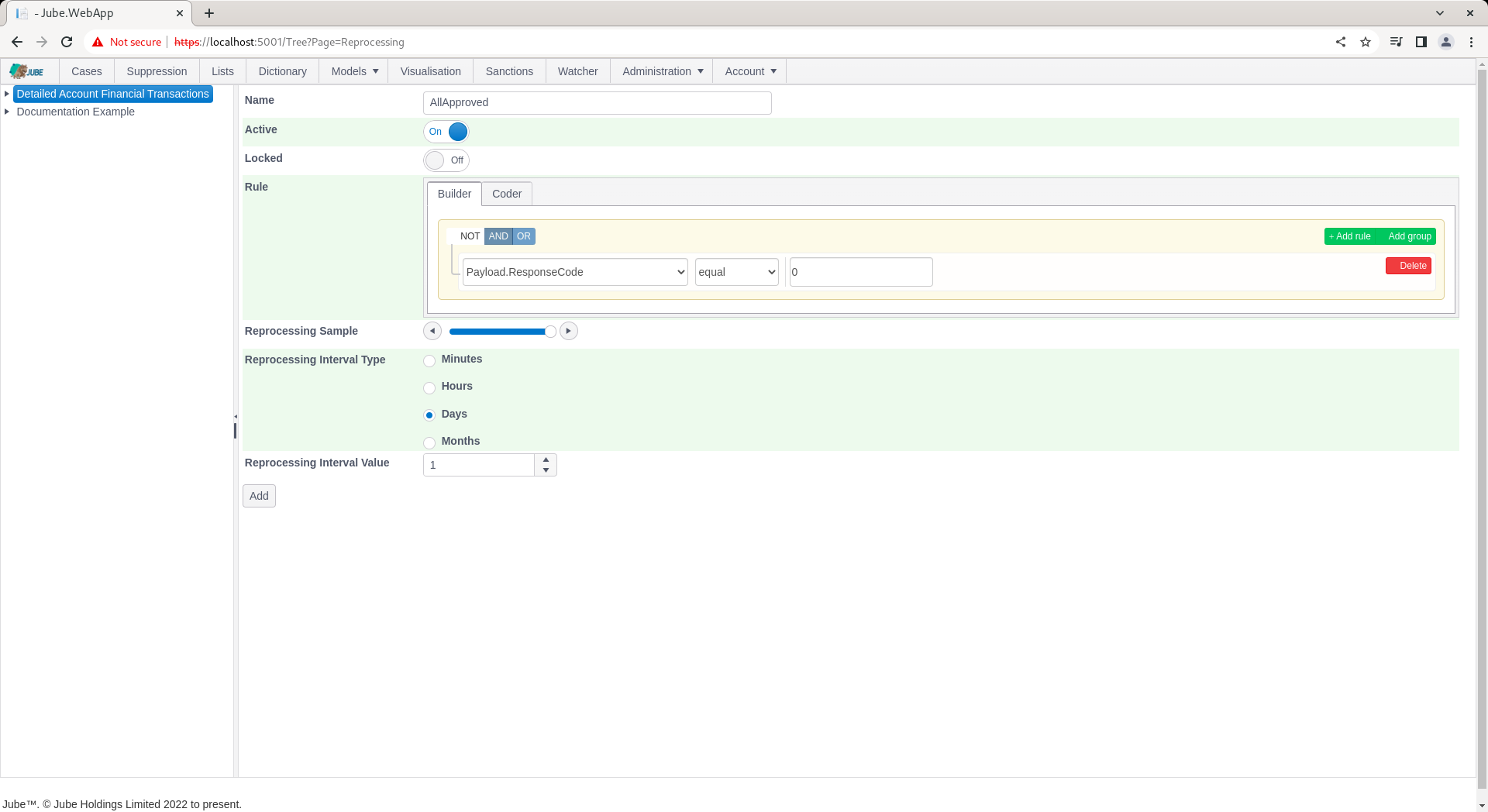
Scroll down and Click Add to create a version of the filter:
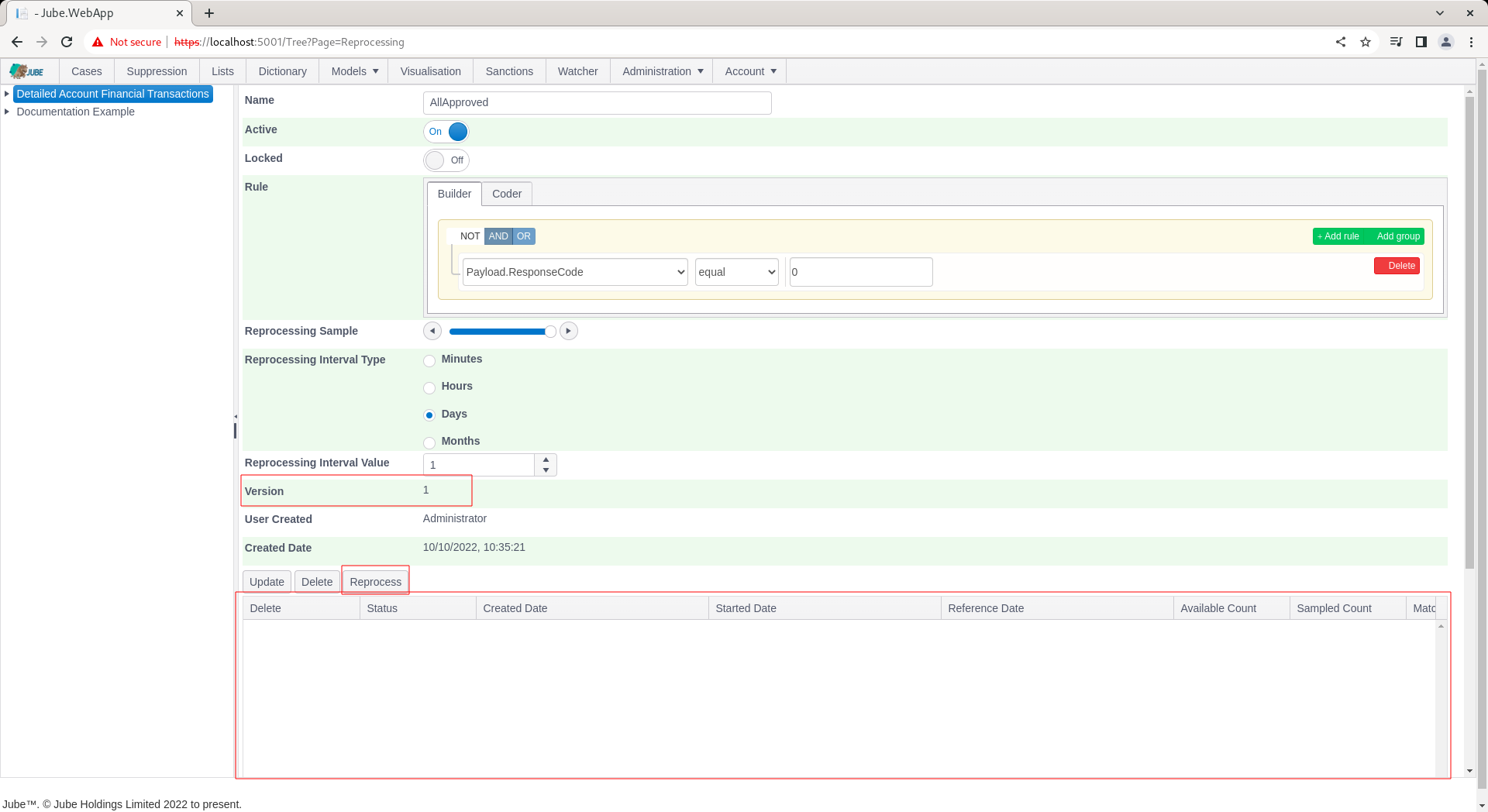
The reprocessing filter will now have been created. The reprocessing request collection is a grid containing all reprocessing requests made for this filter, which will be empty at this point.