🚀 Get to pre-production in weeks, not months, with private training direct from Jube’s developer — real sovereignty, zero vendor lock-in.
HTTP Adaptation
HTTP Adaptation refers to the dispatch of the full transaction payload in a POST body to a remote HTTP endpoint for the receipt of a quantitative score, and optionally a structured explanation of it, in the JSON response body.
The request body is the entire EntityAnalysisModelInstanceEntryPayload for the transaction - Payload, Abstraction, TTL Counters, Abstraction Calculations, Sanctions, and any HTTP Adaptations with a lower Priority that have already been recalled for the same transaction.
The response body may still be a bare number for the simplest case:
0.91
Alternatively, a structured object carrying a score alongside model metadata, calibration, contribution and journey - see the HTTP Adaptation Protocol page for the full response specification, consumption rules, and a set of mock reference endpoints to test against.
The intention of HTTP Adaptation is to recall R models via Plumber, Python models via Flask or make use of any HTTP service that respects the payload specification set out above.
To create a HTTP Adaptation, navigate Models » Machine Learning » HTTP Adaptation:
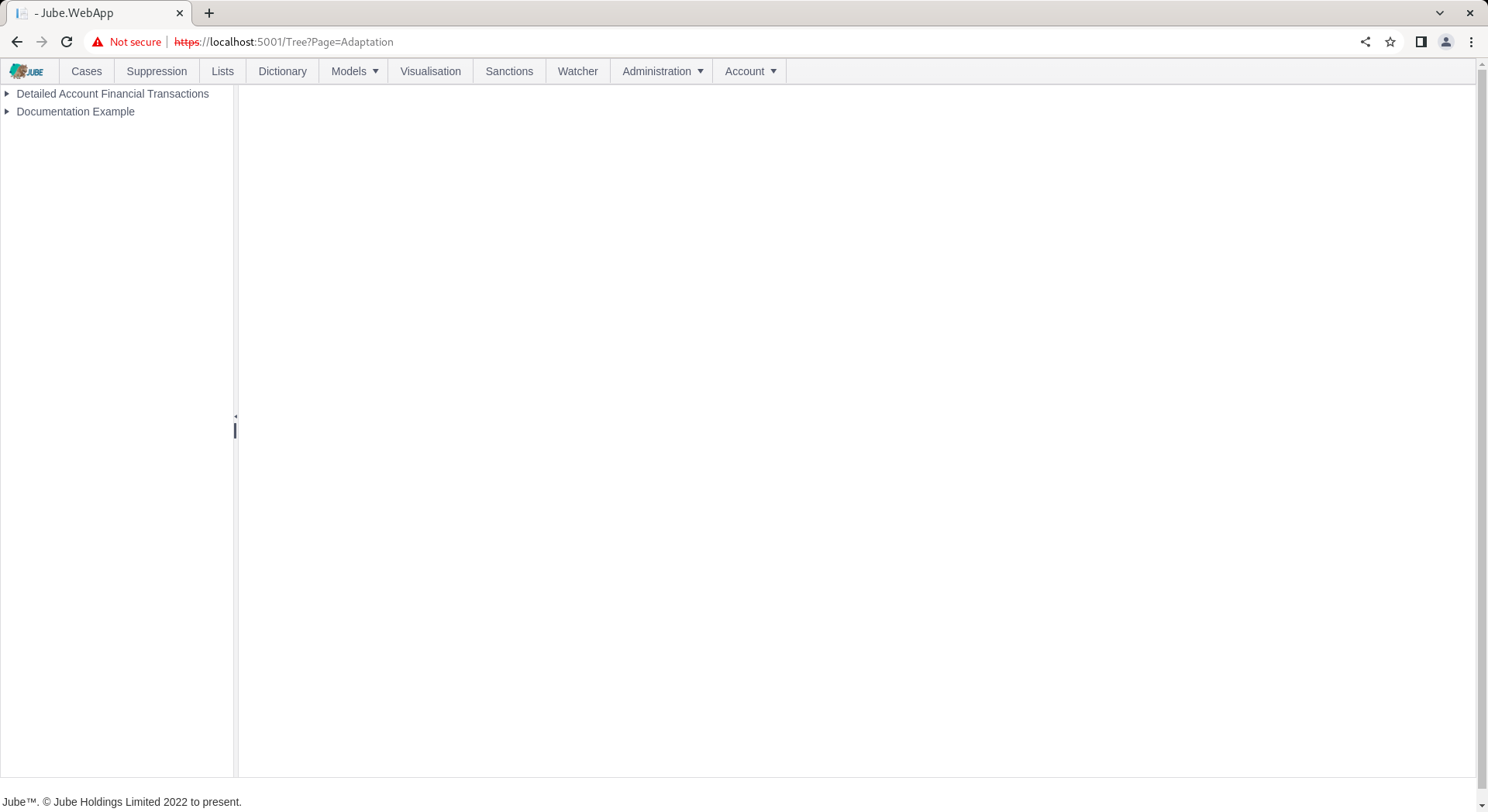
Click on a model in the tree to create a new HTTP Adaptation:
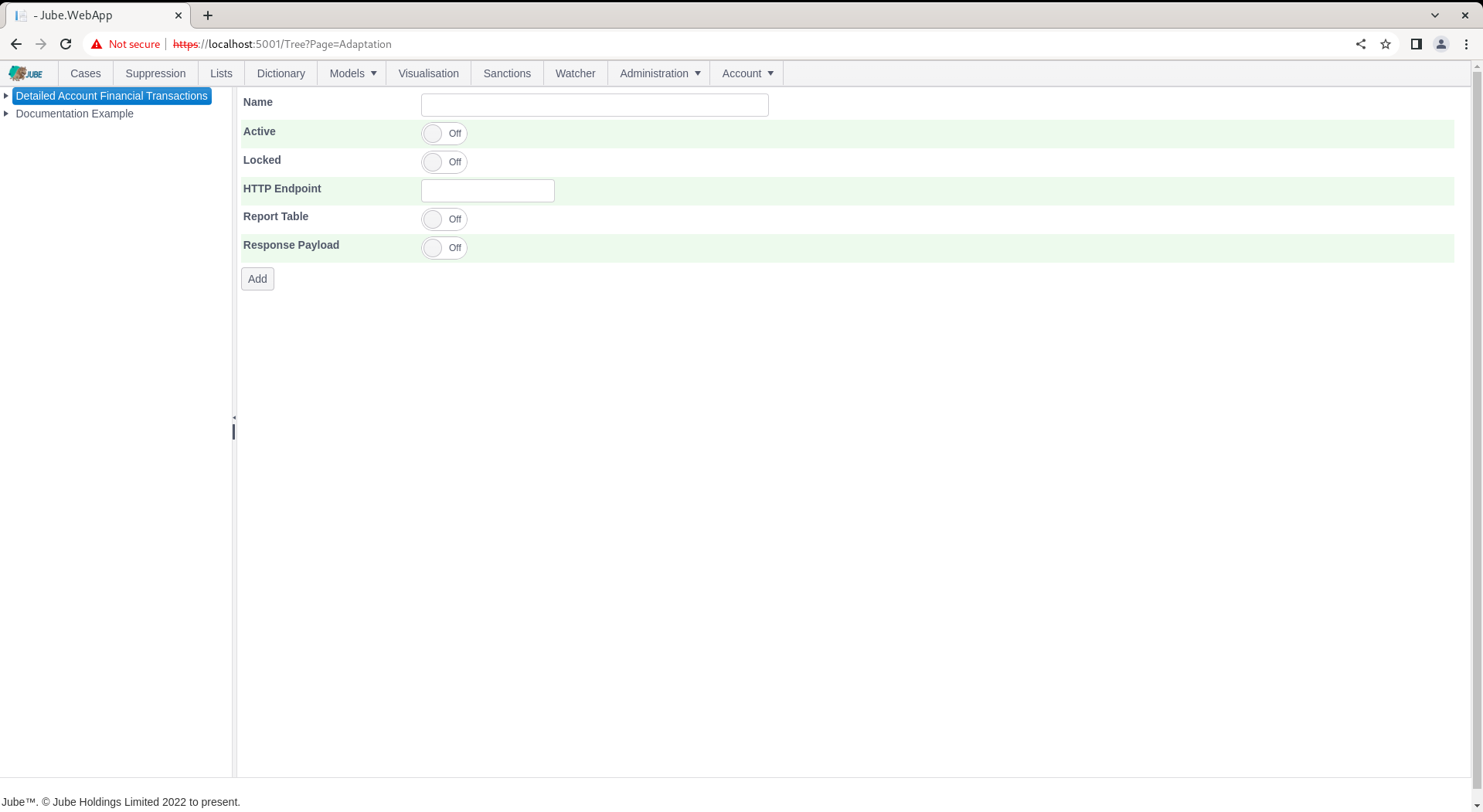
The HTTP Adaptation accepts the following parameters:
| Value | Description | Example |
|---|---|---|
| HTTP Endpoint | Using the prefix specified in the HttpAdaptationUrl Environment Variable in concatenation with remainder of the URL for the HTTP Endpoint to POST to. Assume no “/” terminating the HttpAdaptationUrl Environment Variable value, so this value must itself begin with “/”. Required, up to 2048 characters. | /api/invoke/ExampleFraudScoreLocalEndpoint |
| Priority | Ascending execution order among the adaptations on a model, to support boosting/model chaining - a lower Priority adaptation is recalled first, and its result is available to a later one via the request body. Defaults to 0. Must be zero or greater. | 0.1 |
In this example an endpoint is available for the purpose of echoing back the Square Root of the ResponseCodeEqual0Volume Abstraction Rule Value at https://localhost:5001/api/invoke/ExampleFraudScoreLocalEndpoint. Complete the page as follows:
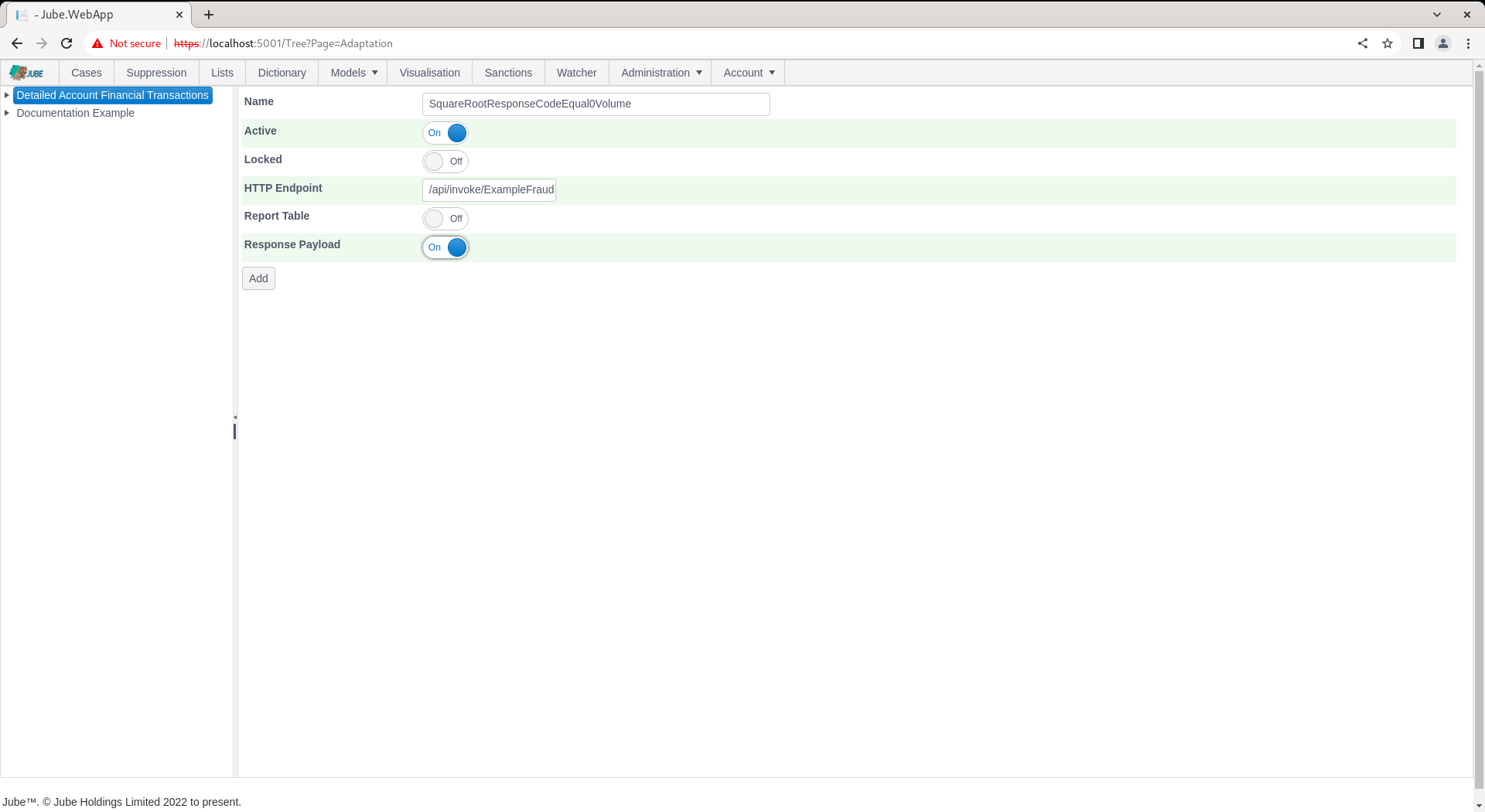
Scroll down and click Add to create a version of the HTTP Adaptation:
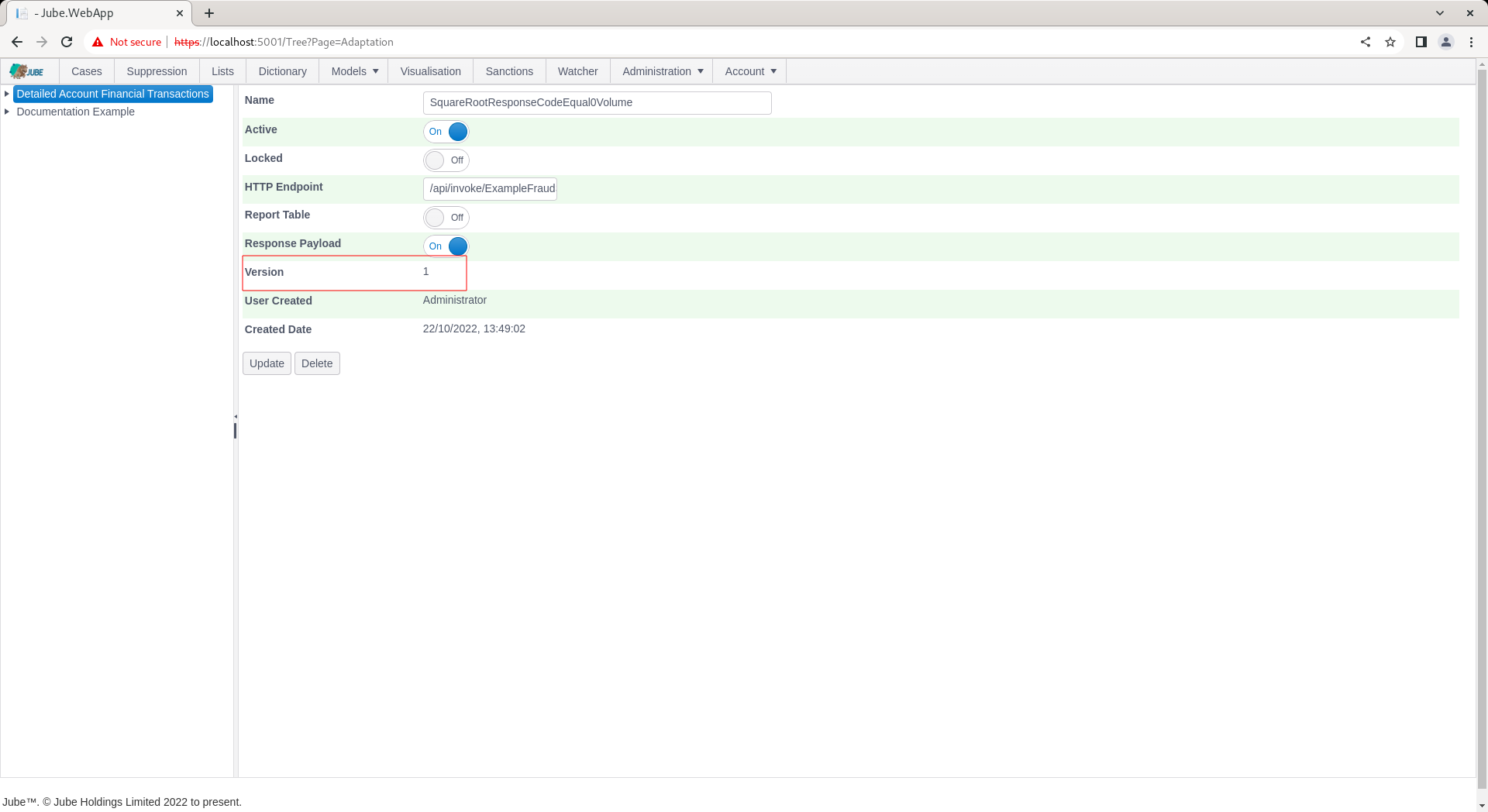
Synchronise the model via Entity » Synchronisation and repeat the HTTP POST to endpoint https://localhost:5001/api/invoke/EntityAnalysisModel/90c425fd-101a-420b-91d1-cb7a24a969cc for response as follows.
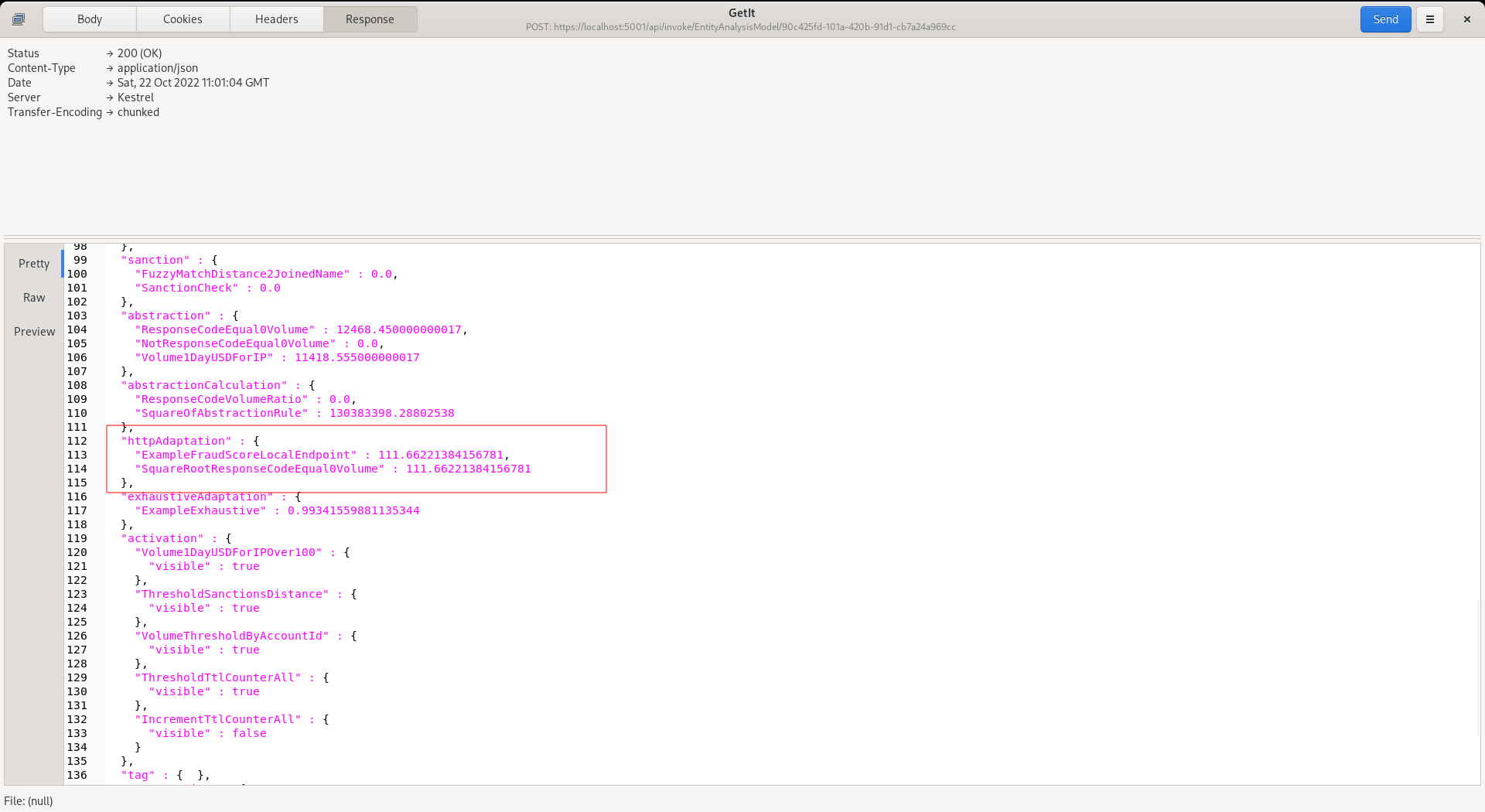
Notice that the score has been returned for use in Activation Rules in the Adaptation entity.