🚀 Get to pre-production in weeks, not months, with private training direct from Jube’s developer — real sovereignty, zero vendor lock-in.
Roles
Roles are a collection of both users and permissions, for the purpose of authentication and authorisation in the user interface. It follows that permissions do not individually need to be allocated to a user, rather users allocated a role, with the permissions being allocated to the role.
To create a role, navigate to Administration » Security » Roles:
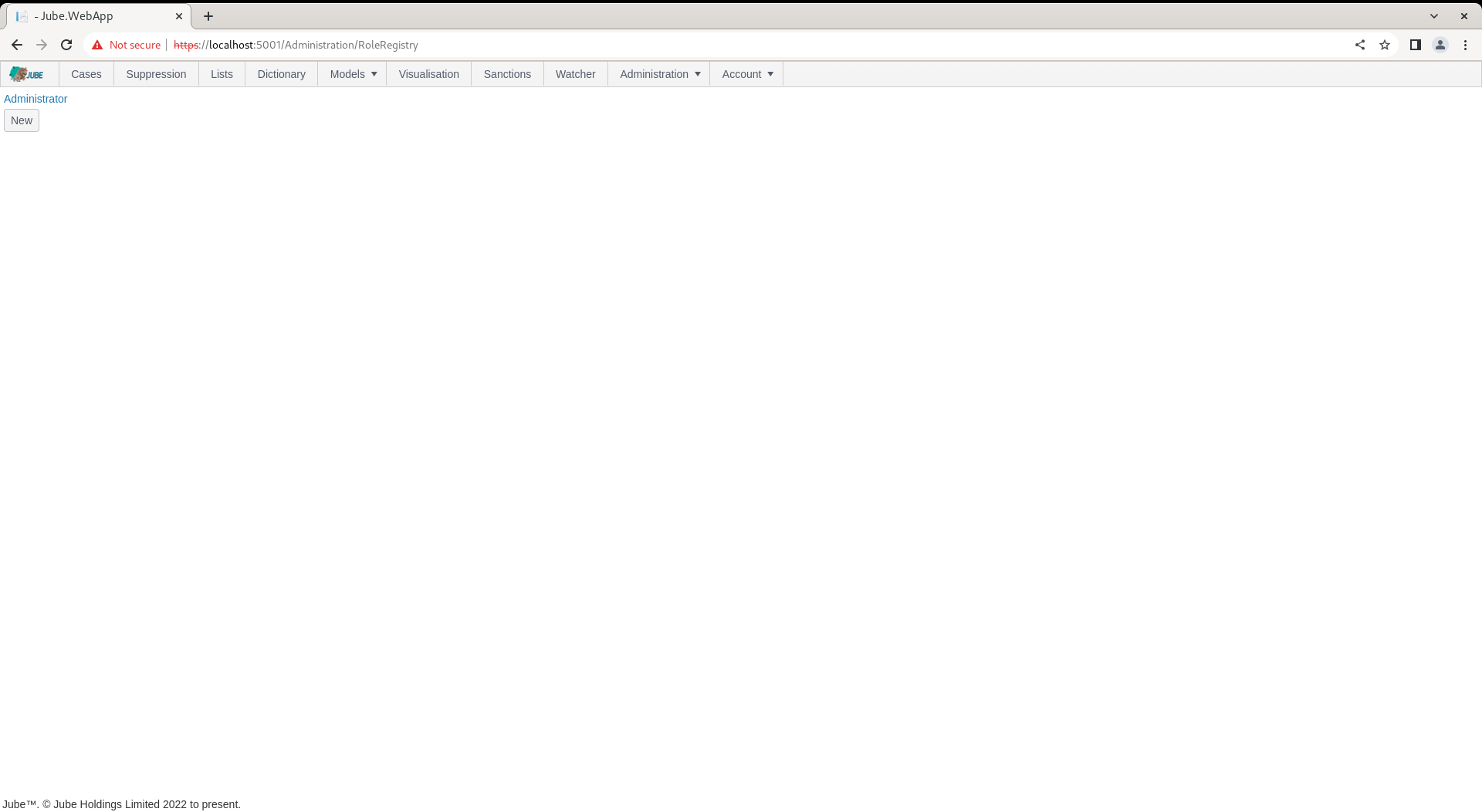
The administrator Role is created by default by migrations. To inspect the role, navigate to the link:
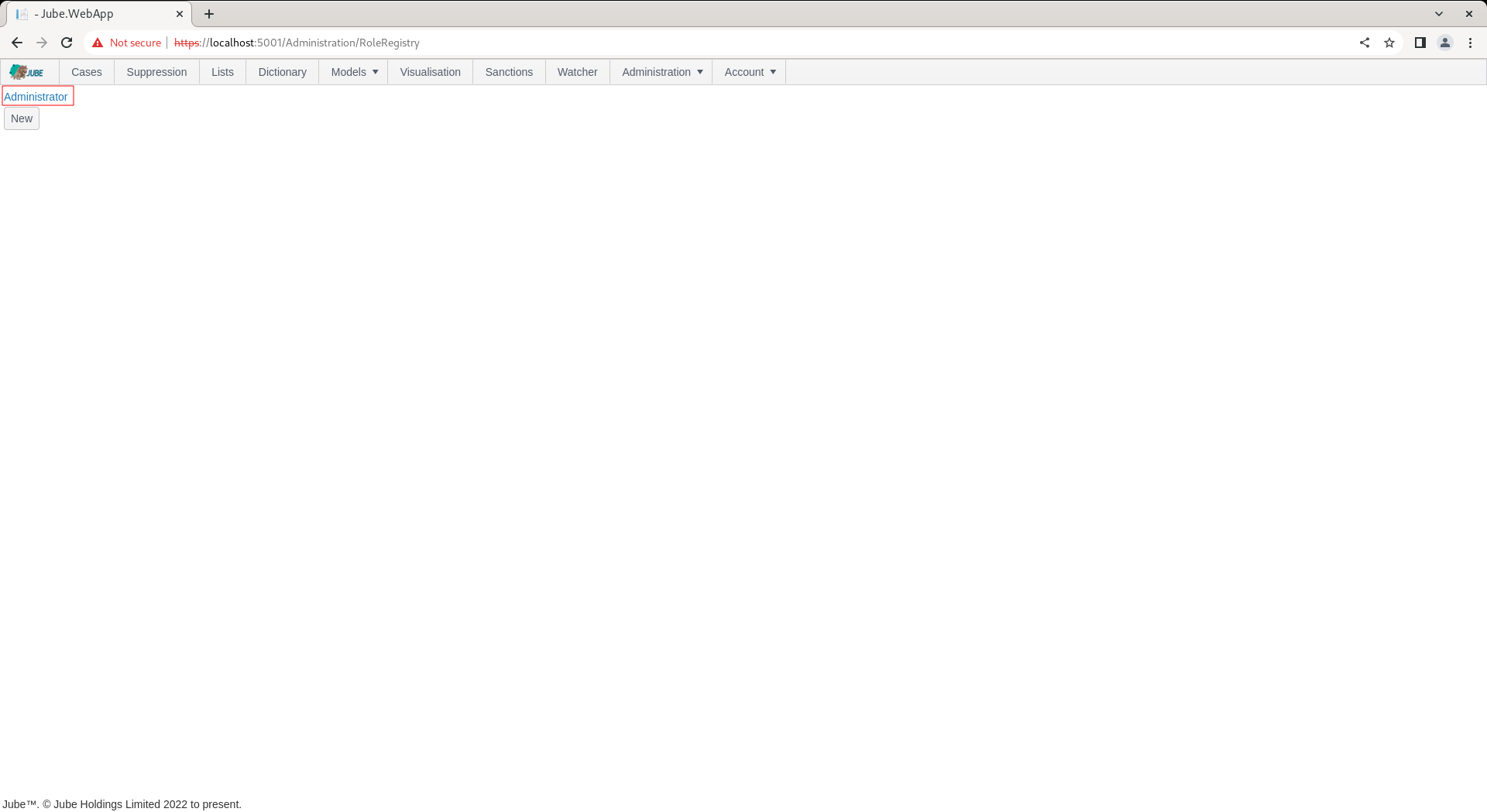
Click on the link for the role to expand on the Role properties:
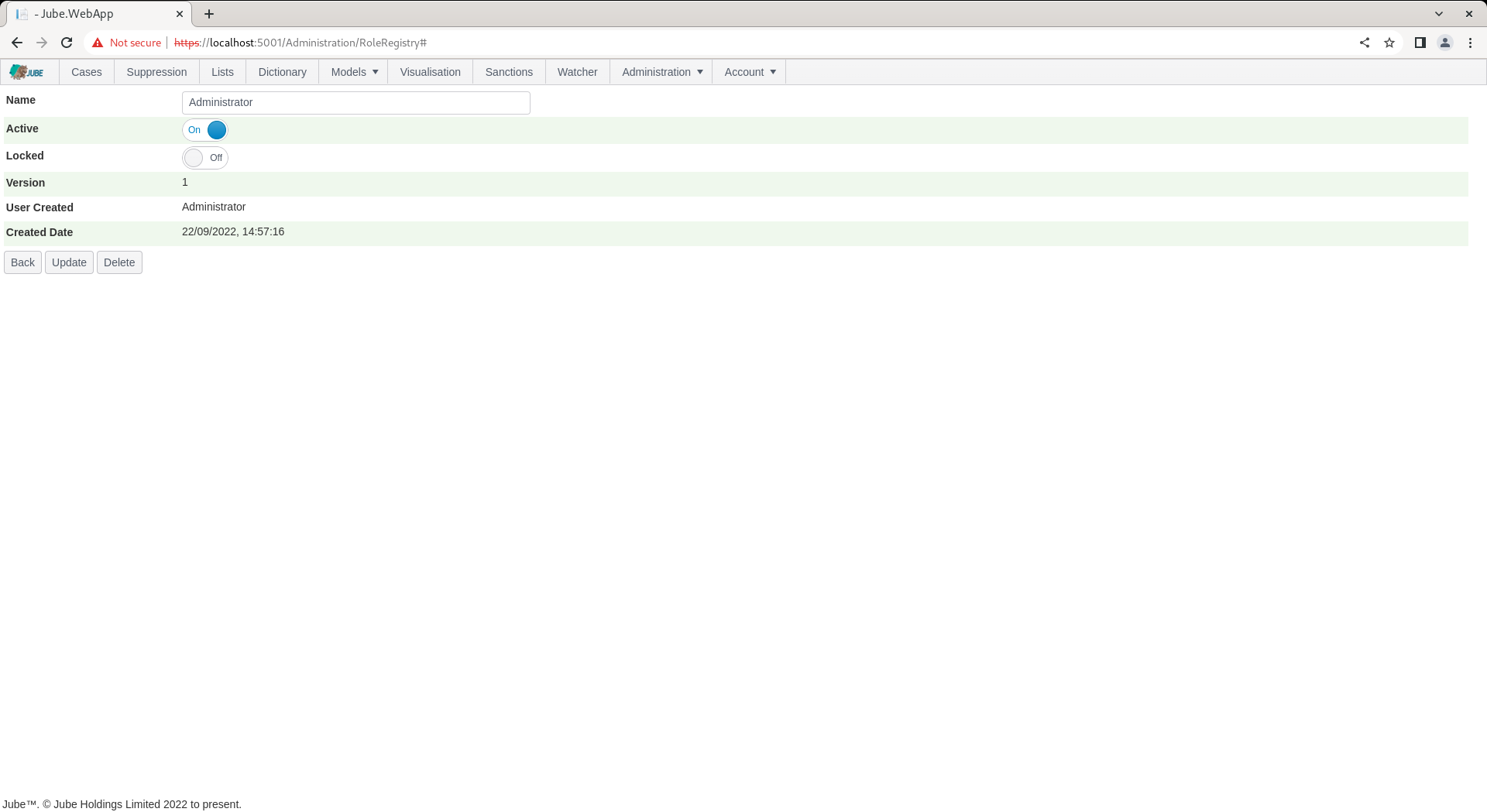
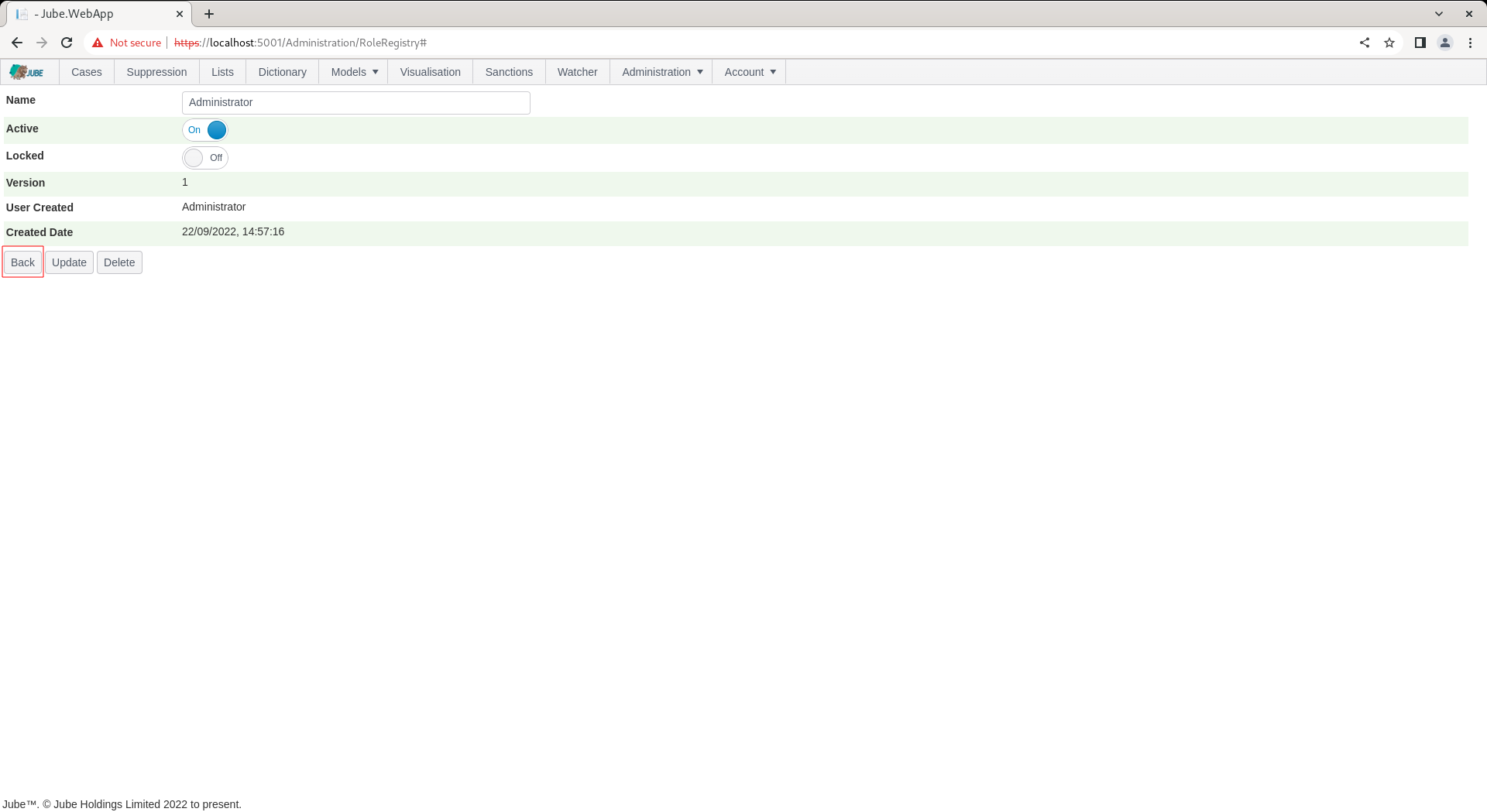
The Role can be updated and deleted, otherwise use the Back button to return to the list of Roles:
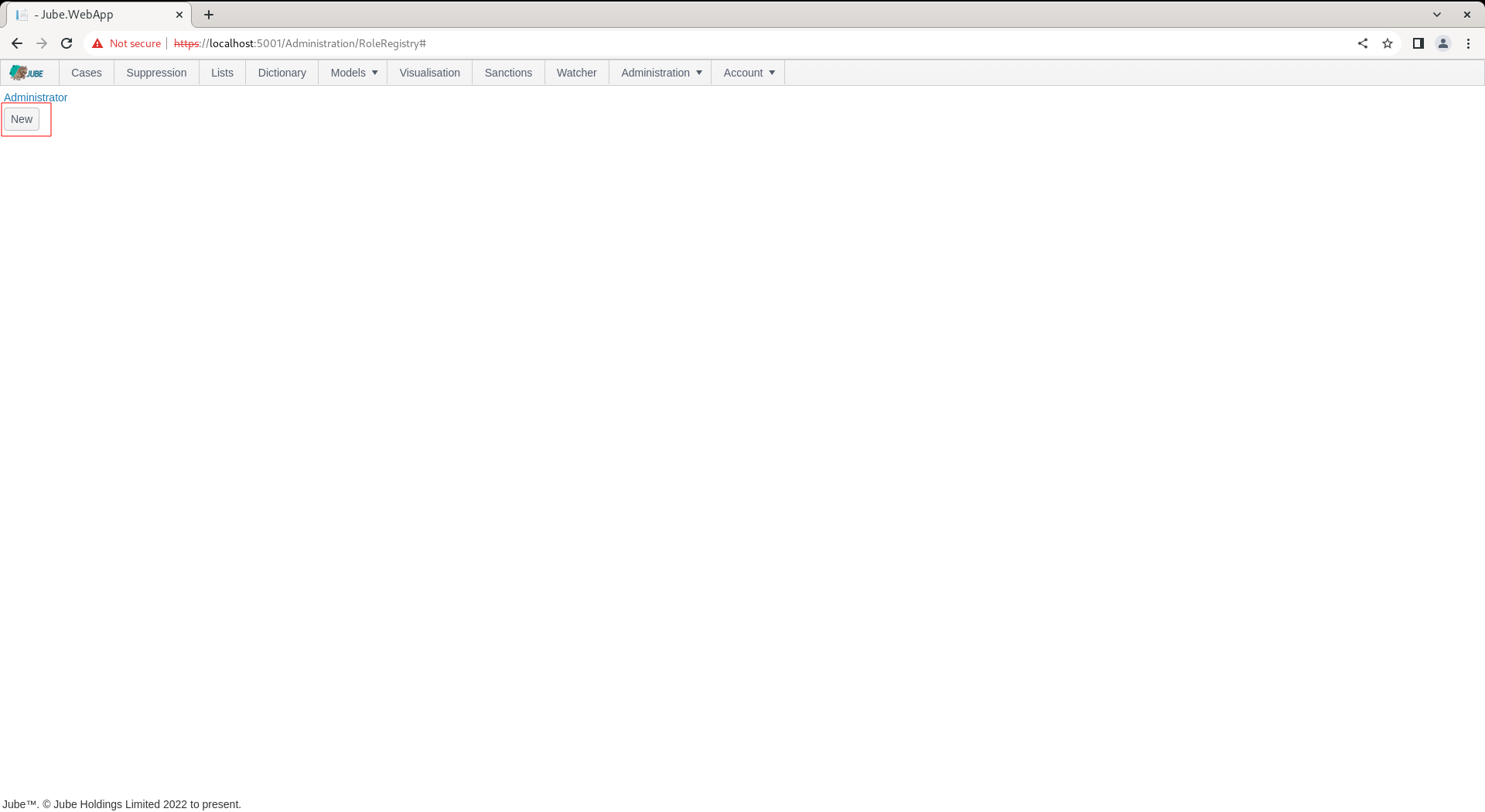
To add a new Role, locate the new button under the list of roles:
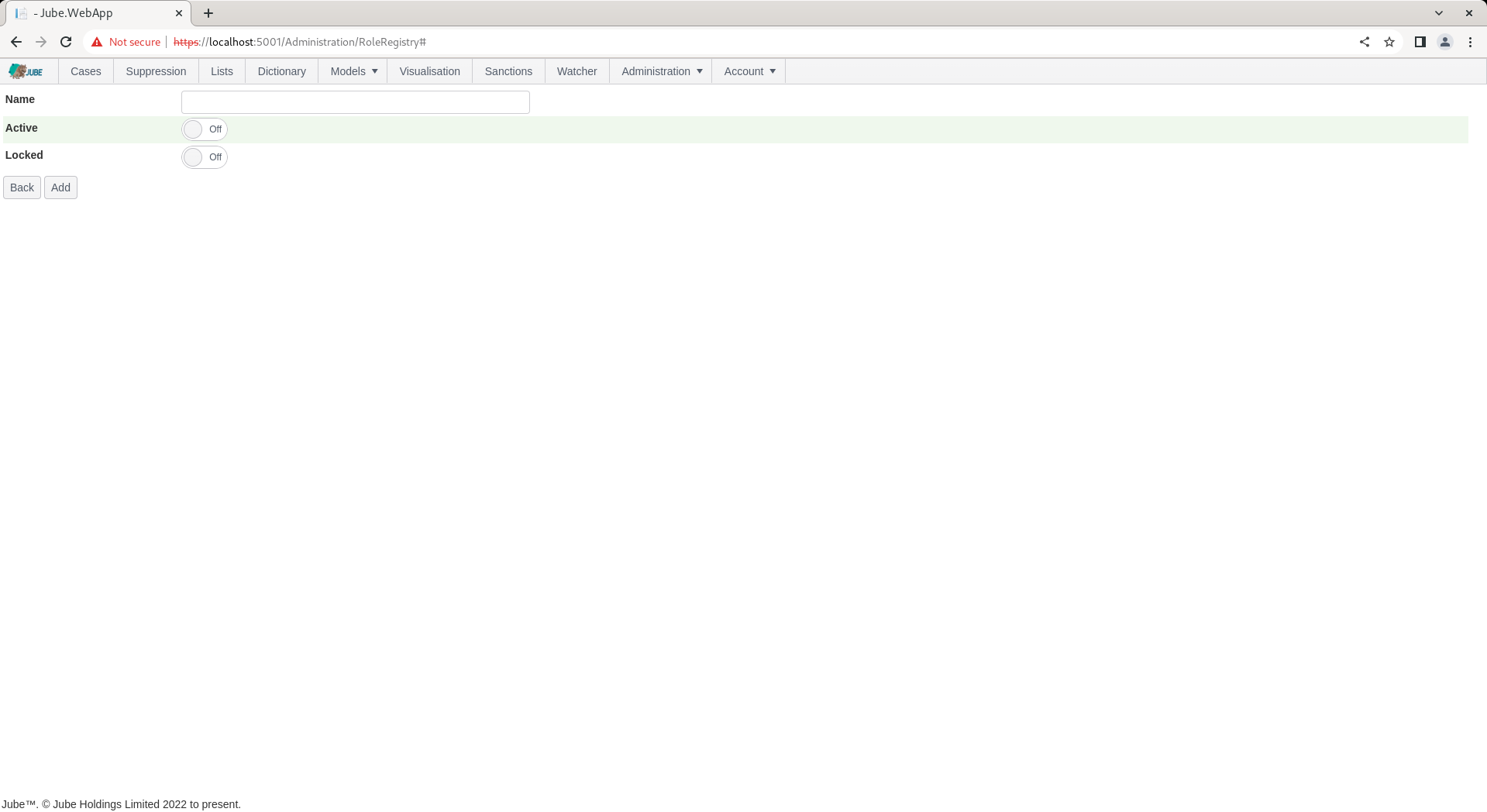
Clicking the new button exposes empty properties for the Role:
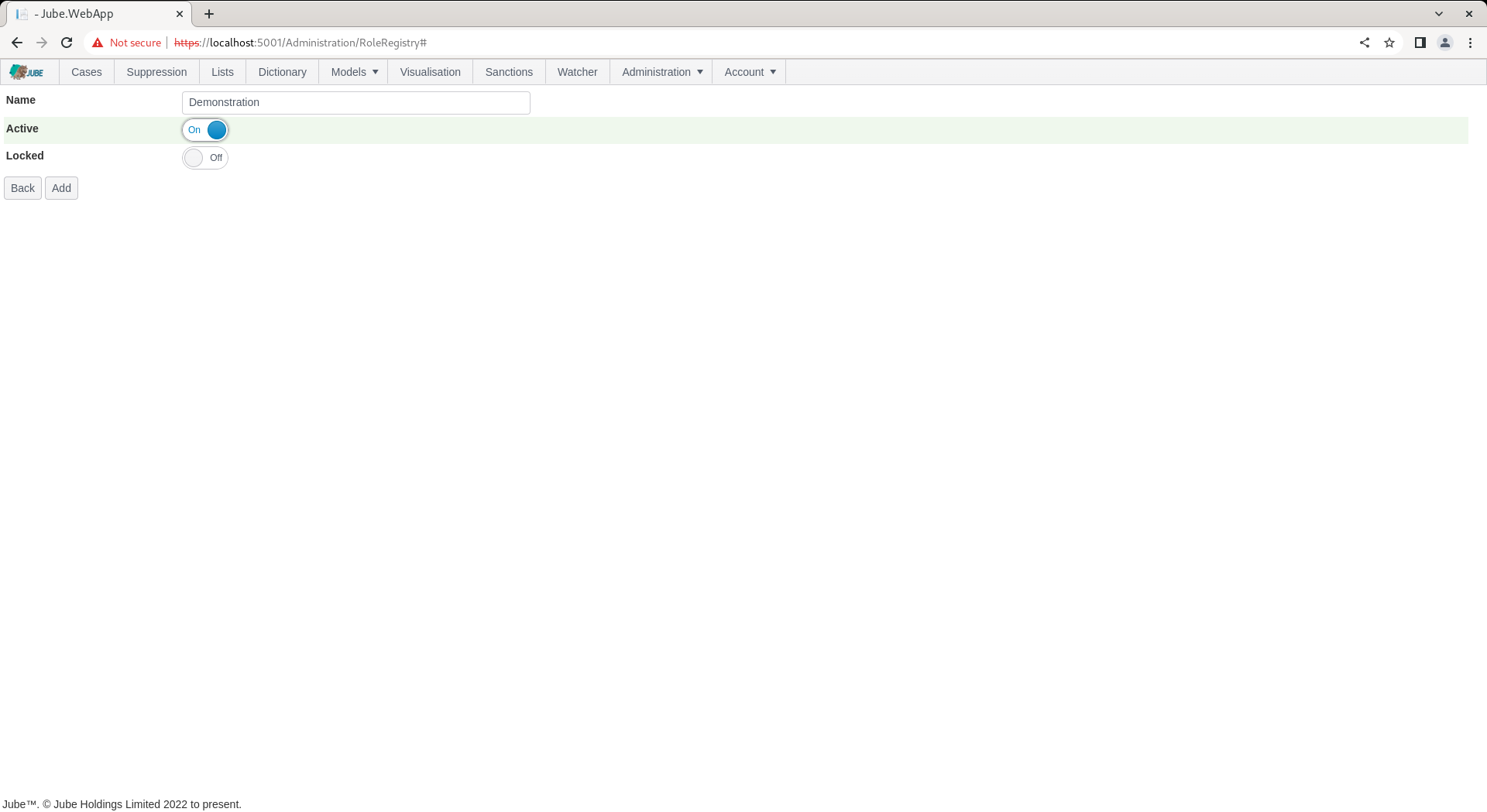
The Role takes no more than a name for the purpose of creating the entity. The name must be unique within the tenant (case-insensitive) and cannot exceed 256 characters. Complete the Role as follows:
Click Add to create a version of the Role:
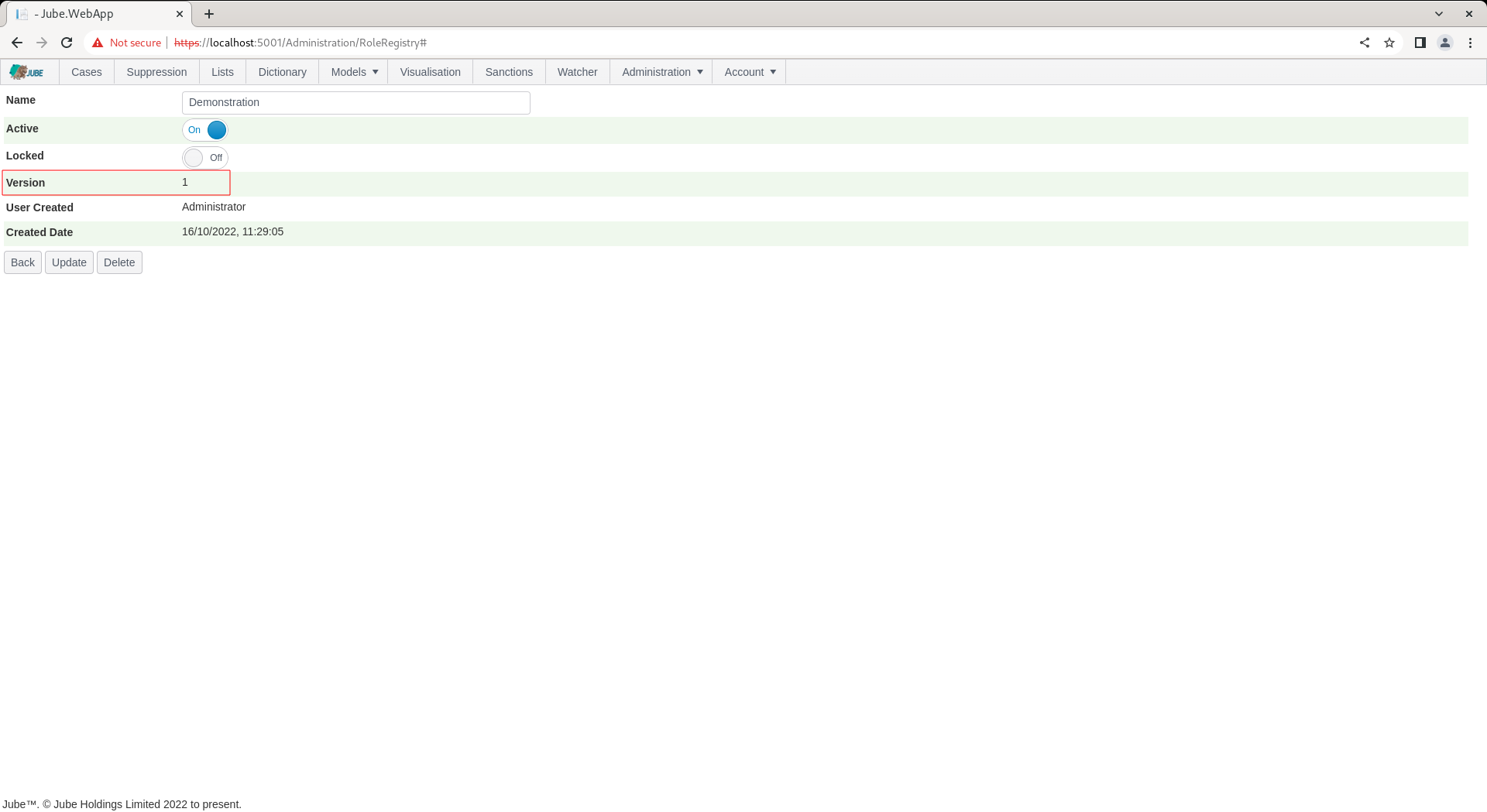
The Role is available to be allocated Permissions, and allocated to a User.
Roles and Model Invocation Access
Beyond user interface permissions, a Role can also be allocated to an Entity Analysis Model, via the Role Manager control on the Model’s own configuration page. This is a separate concern from the Permission allocation above: it does not affect what a signed-in user can see or do in the user interface, it governs which users are allowed to invoke that specific model through the API (api/Invoke and related model-scoped endpoints).
A User’s own Role (set on the User record) determines the set of models they may invoke: the engine continuously resolves, in the background, which Users fall under each Role allocated to a Model, and keeps that resolved list synchronised as Users, Roles, and Role allocations change - there is no need to restart the engine or explicitly resynchronise a model for a Role change to take effect. A request made with a valid identity (JWT or API Key) for a User outside that resolved list is rejected in the same way as an unauthenticated request, regardless of whether the calling User otherwise holds every relevant Permission.
This is the mechanism that makes it practical to share a single Model Guid across multiple tenants while still routing each tenant’s traffic only to the Models their Role is entitled to invoke - see Multi Tenancy for the broader tenancy model this supports.