🚀 Speed up implementation with hands-on, face-to-face training from the developer. 💬 Join the Jube WhatsApp Public Support Group to chat with the developer.
Working Case Status
Several cases workflow statuses may be created and allocated at case creation or via upward reclassification. It is more common to set a case status manually, in performing an escalation.
Navigate to a case record via either Fetch or Skim:
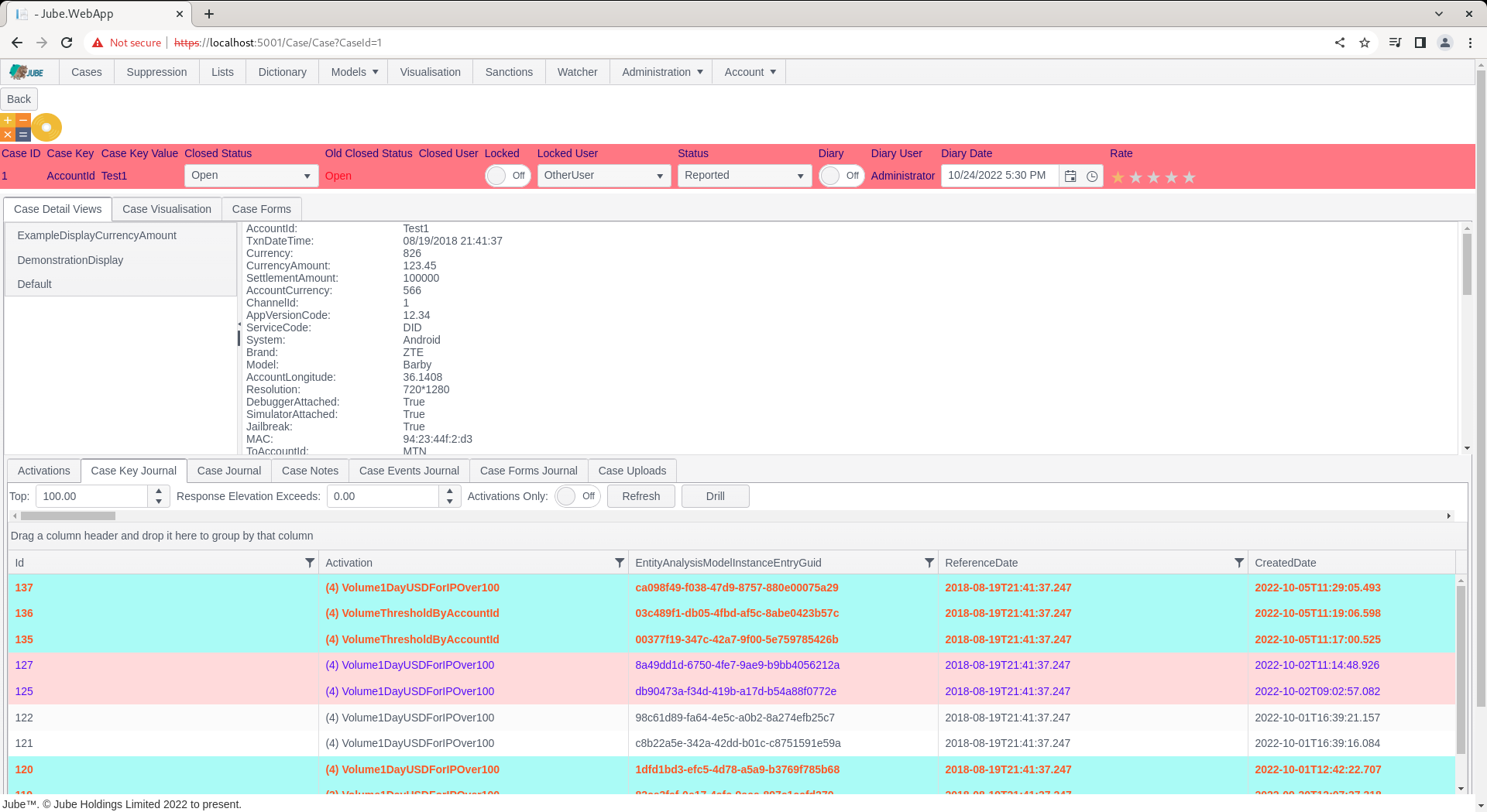
Notice a drop down in the case status bar titled Status:
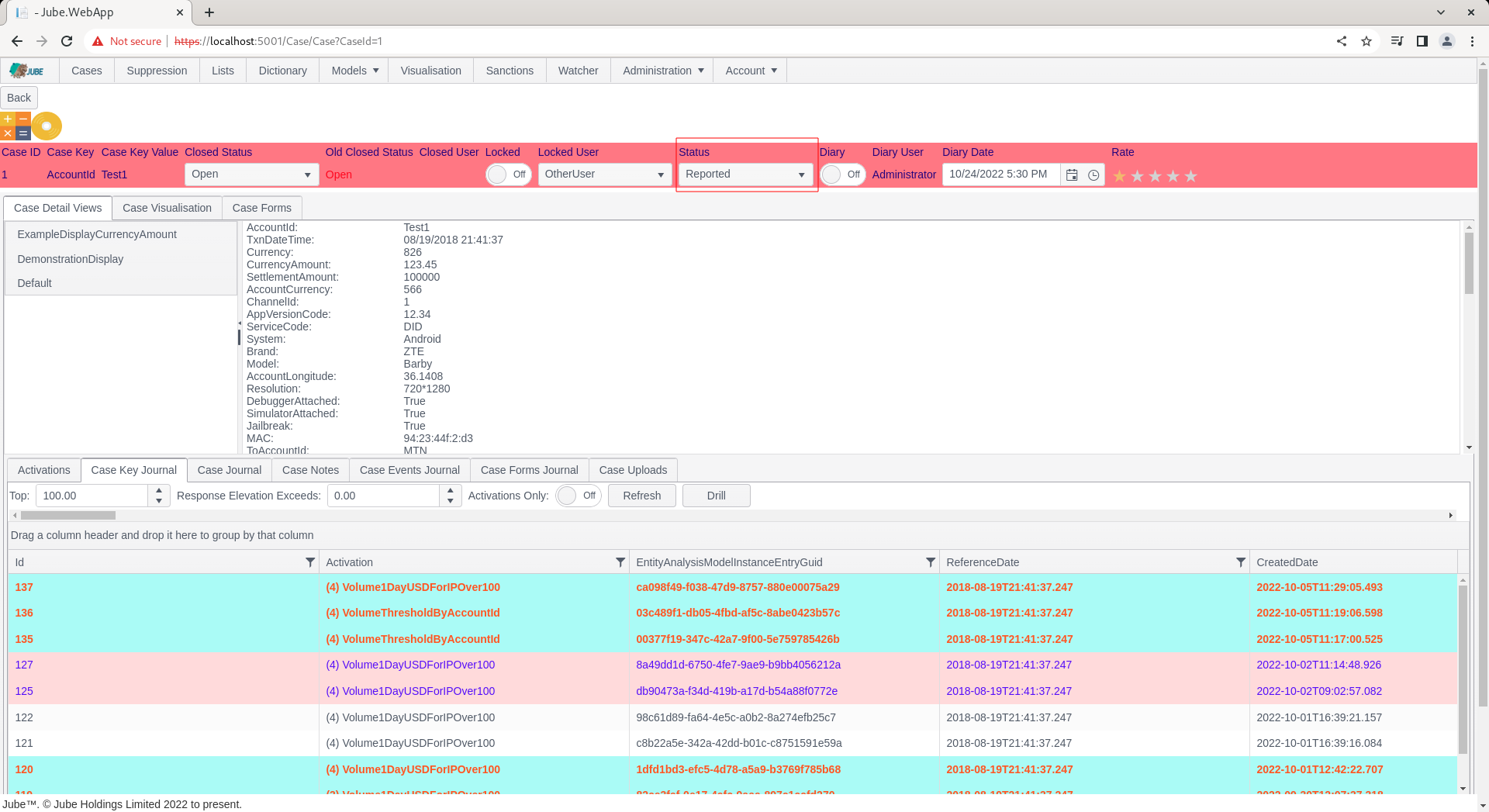
Click on the status drop down:
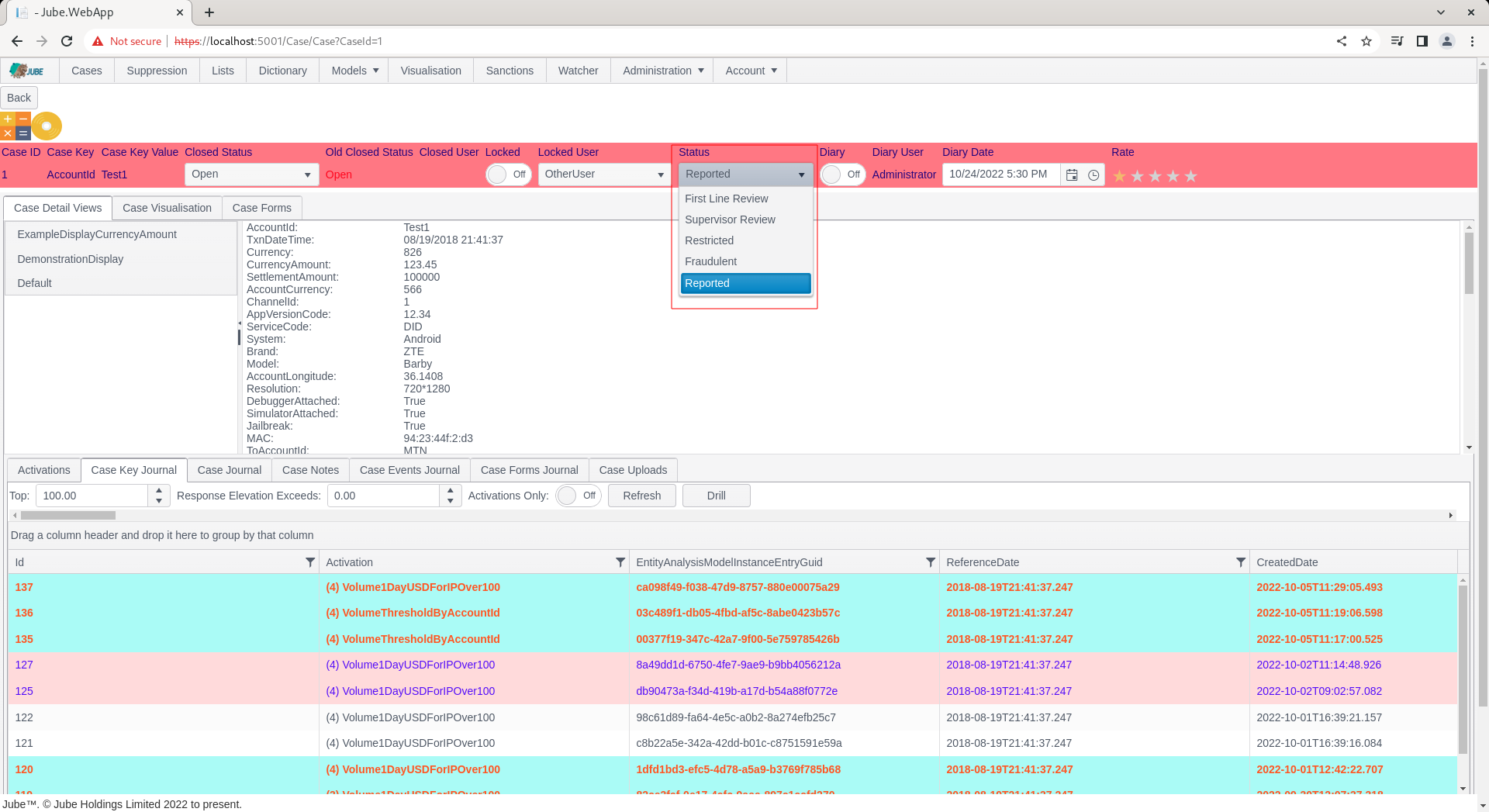
Select a status other than, in this case, Reported, changing to Restricted:
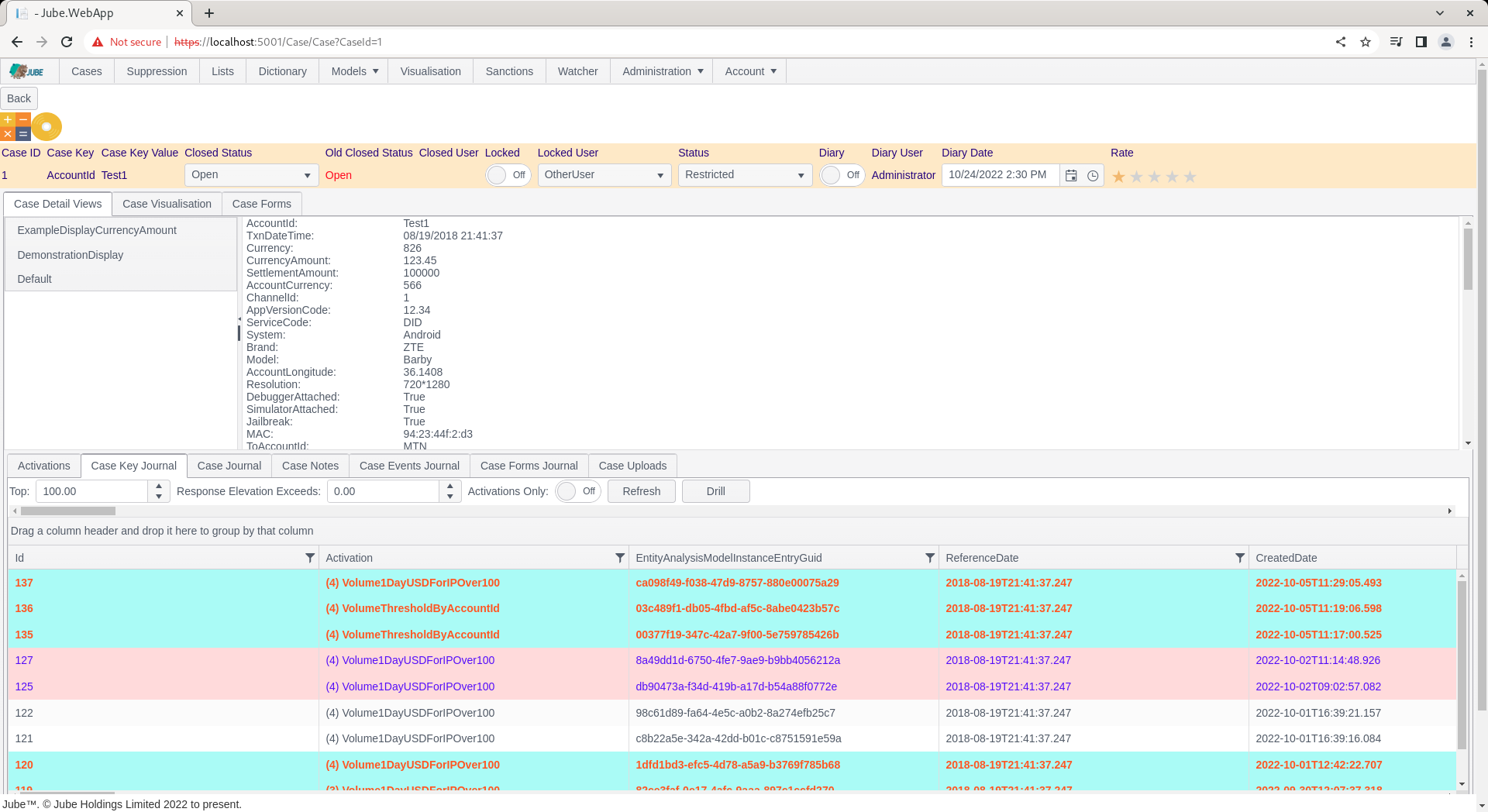
The case will be reloaded and the status bar will be coloured to reflect the new status having been allocated.
The change of a case status by itself will not cause any specific action, except given Notification and HTTP Endpoint having been configured.
The allocation of a given cases workflow status is often for the purpose of facilitating allocation via cases workflows filters.