🚀 Speed up implementation with hands-on, face-to-face training from the developer. 💬 Join the Jube WhatsApp Public Support Group to chat with the developer.
Roles
Roles are a collection of both users and permissions, for the purpose of authentication and authorisation in the user interface. It follows that permissions do not individually need to be allocated to a user, rather users allocated a role, with the permissions being allocated to the role.
To create a role, navigate to Administration » Security » Roles:
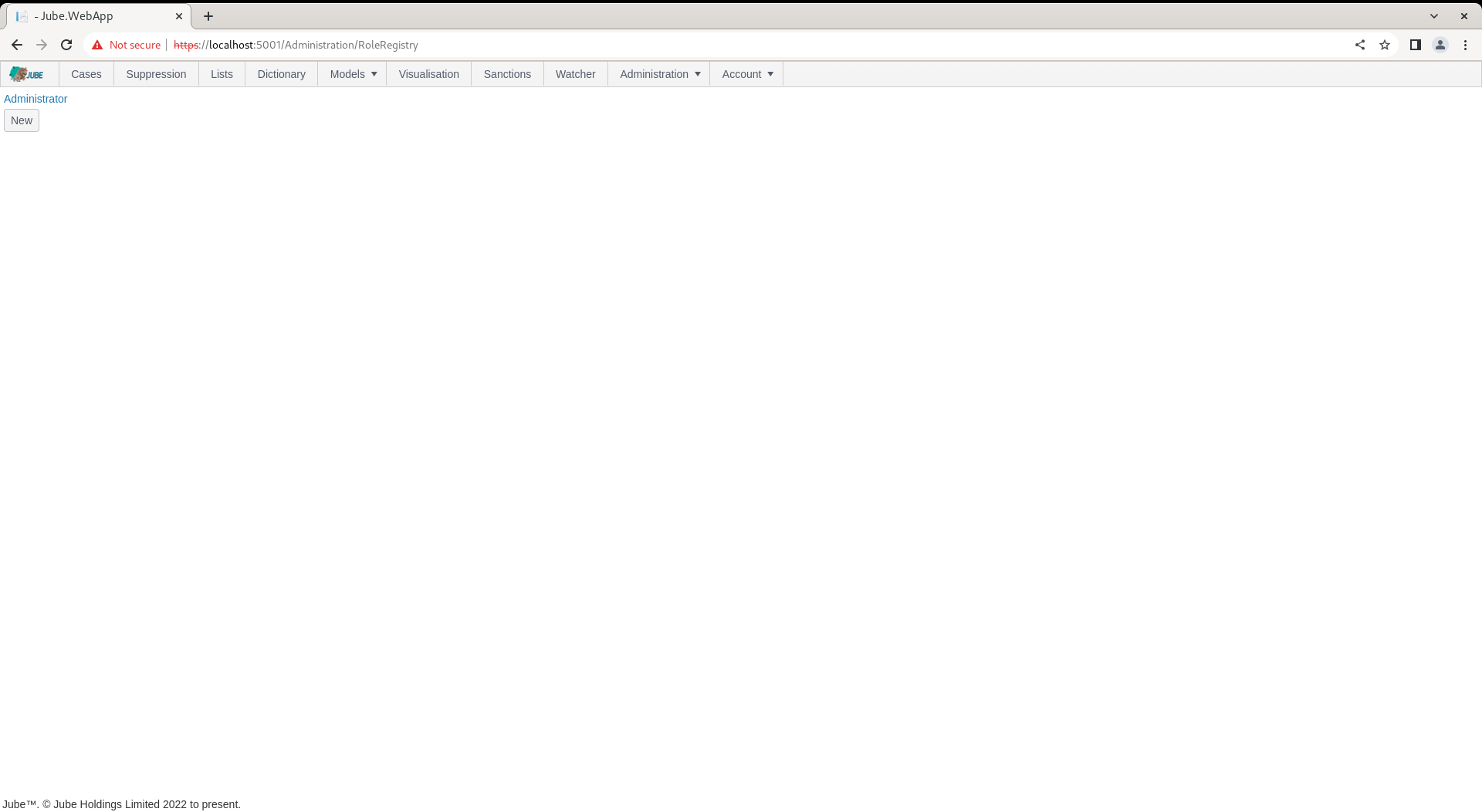
The administrator Role is created by default by migrations. To inspect the role, navigate to the link:
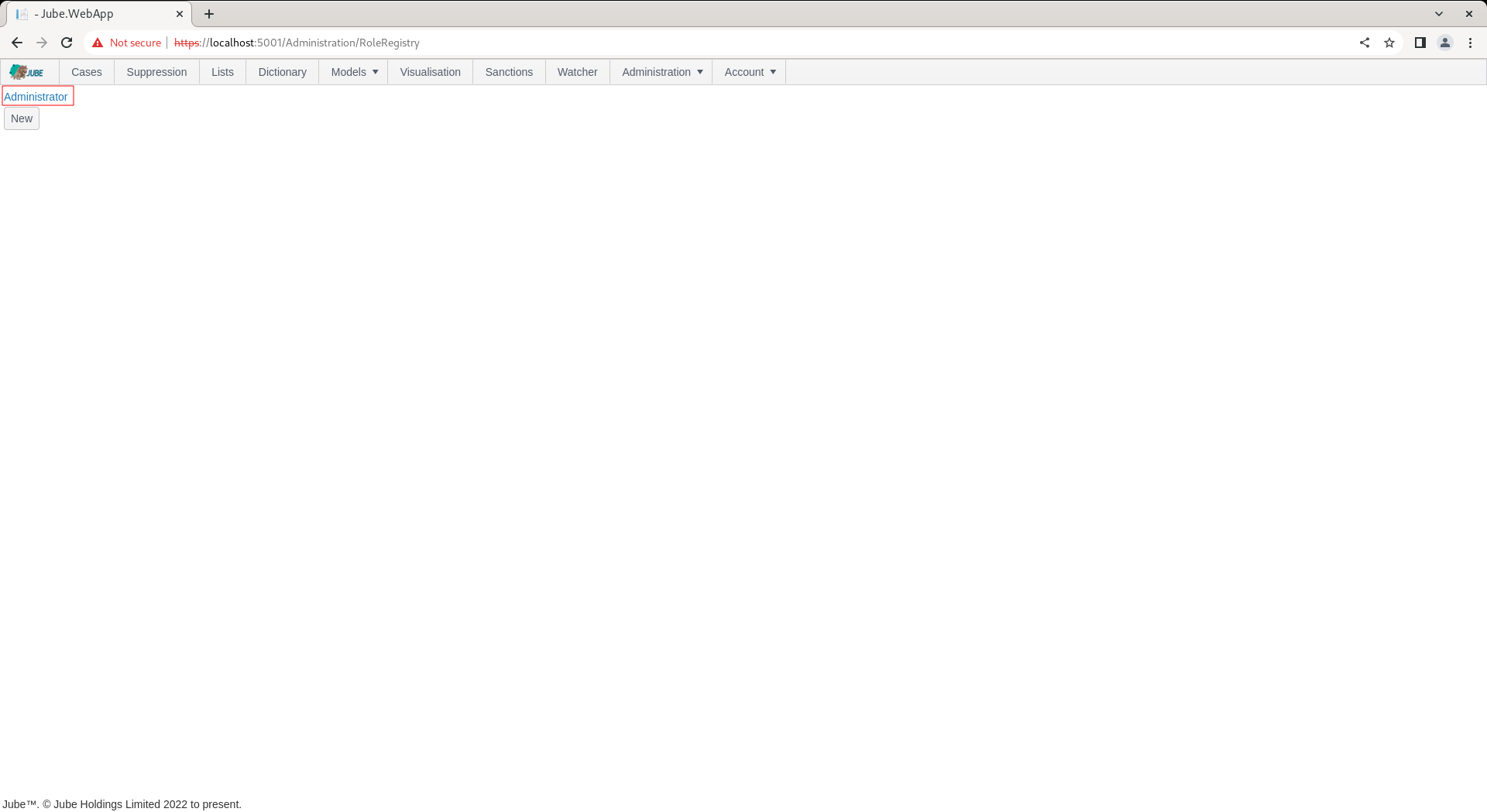
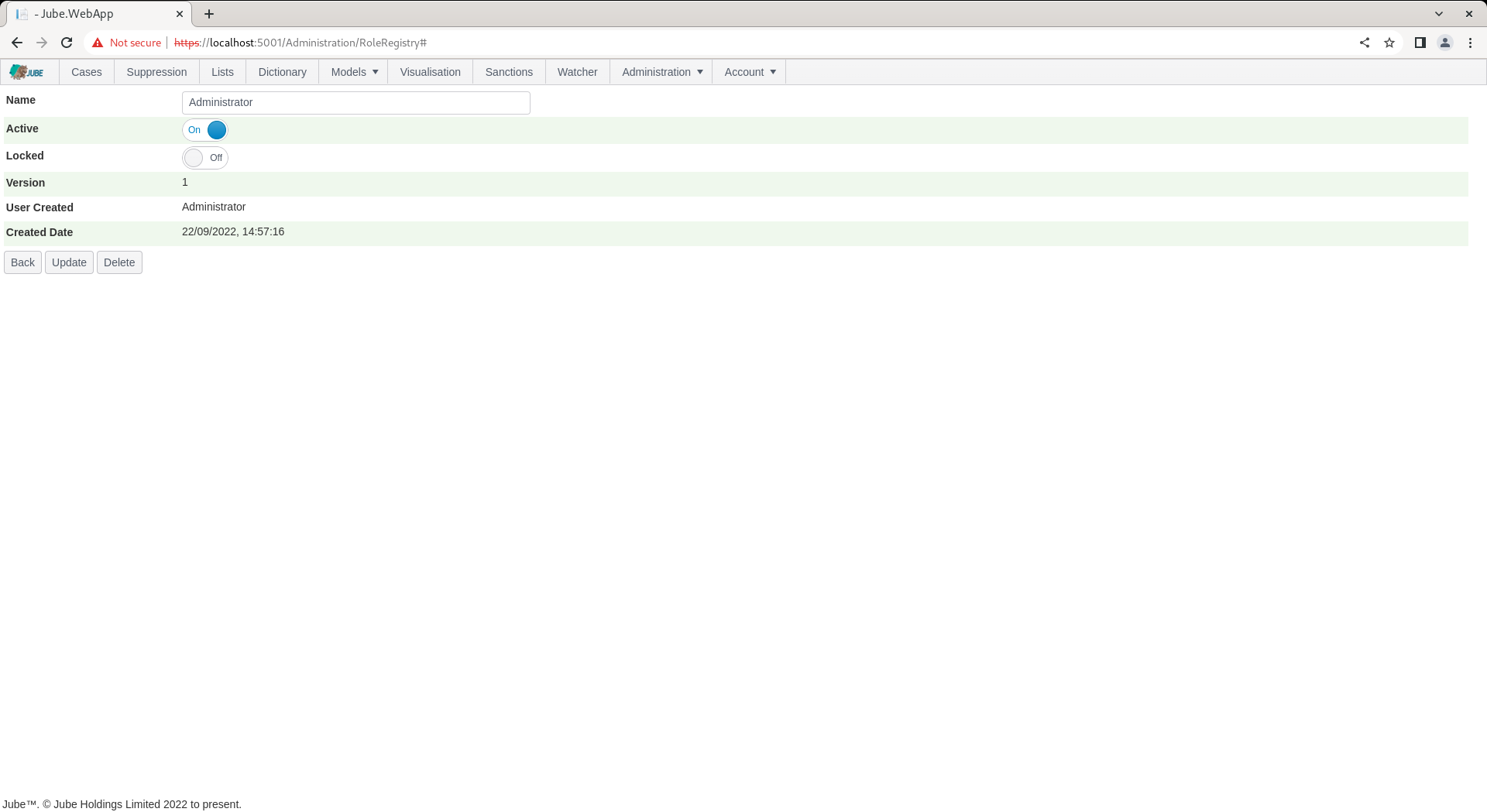
Click on the link for the role to expand on the Role properties:
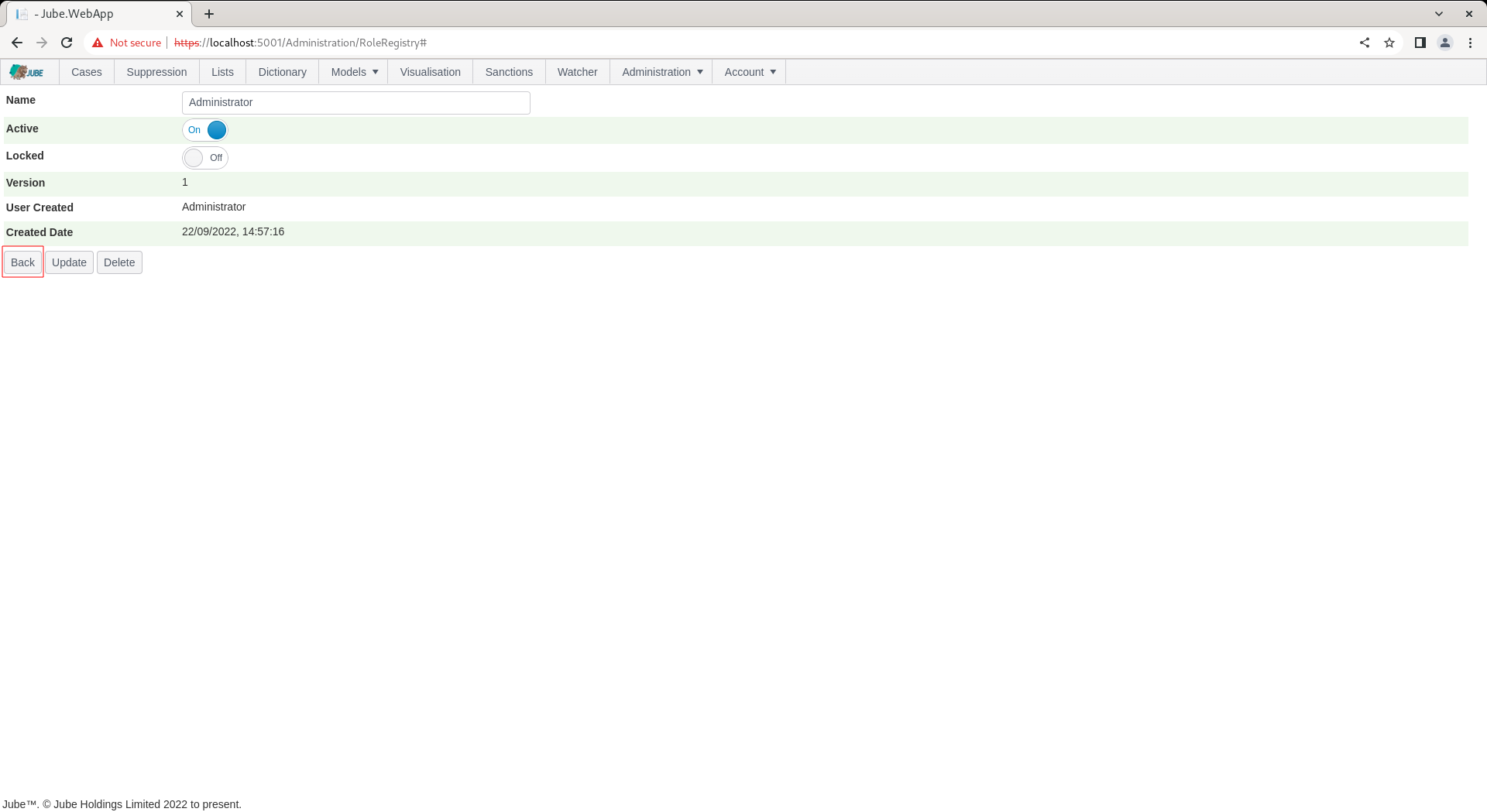
The Role can be updated and deleted, otherwise use the Back button to return to the list of Roles:
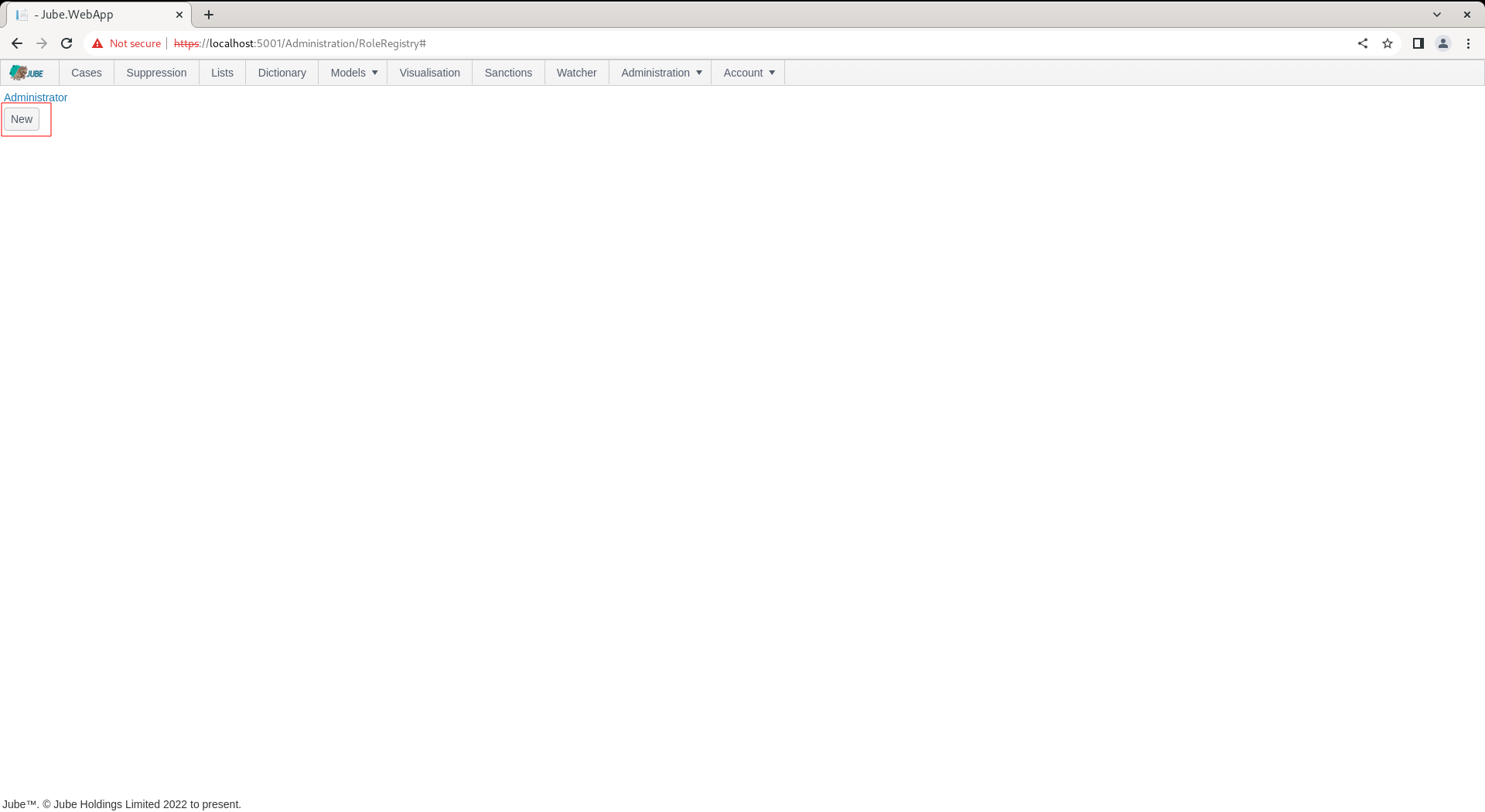
To add a new Role, locate the new button under the list of roles:
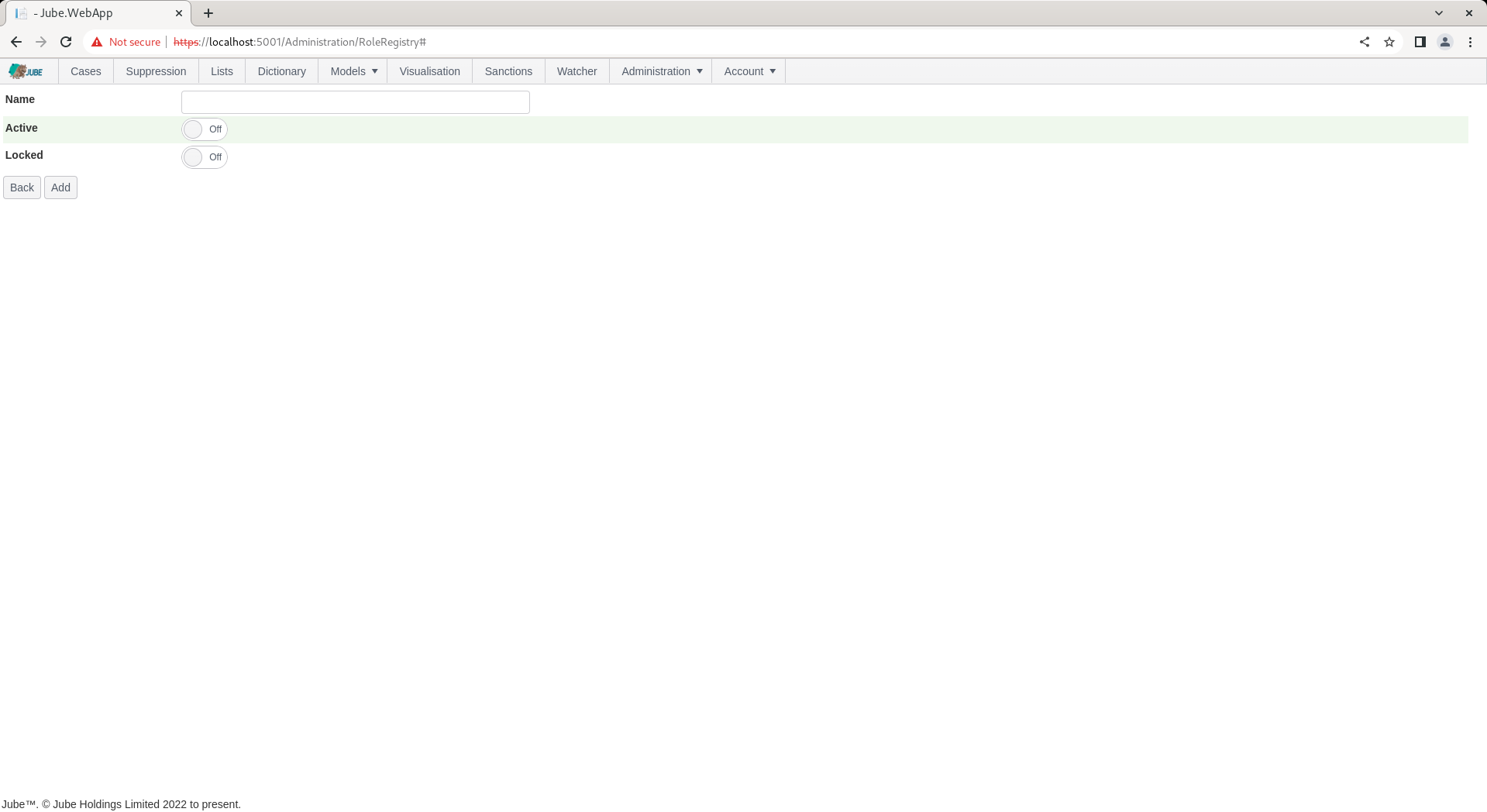
Clicking the new button exposes empty properties for the Role:
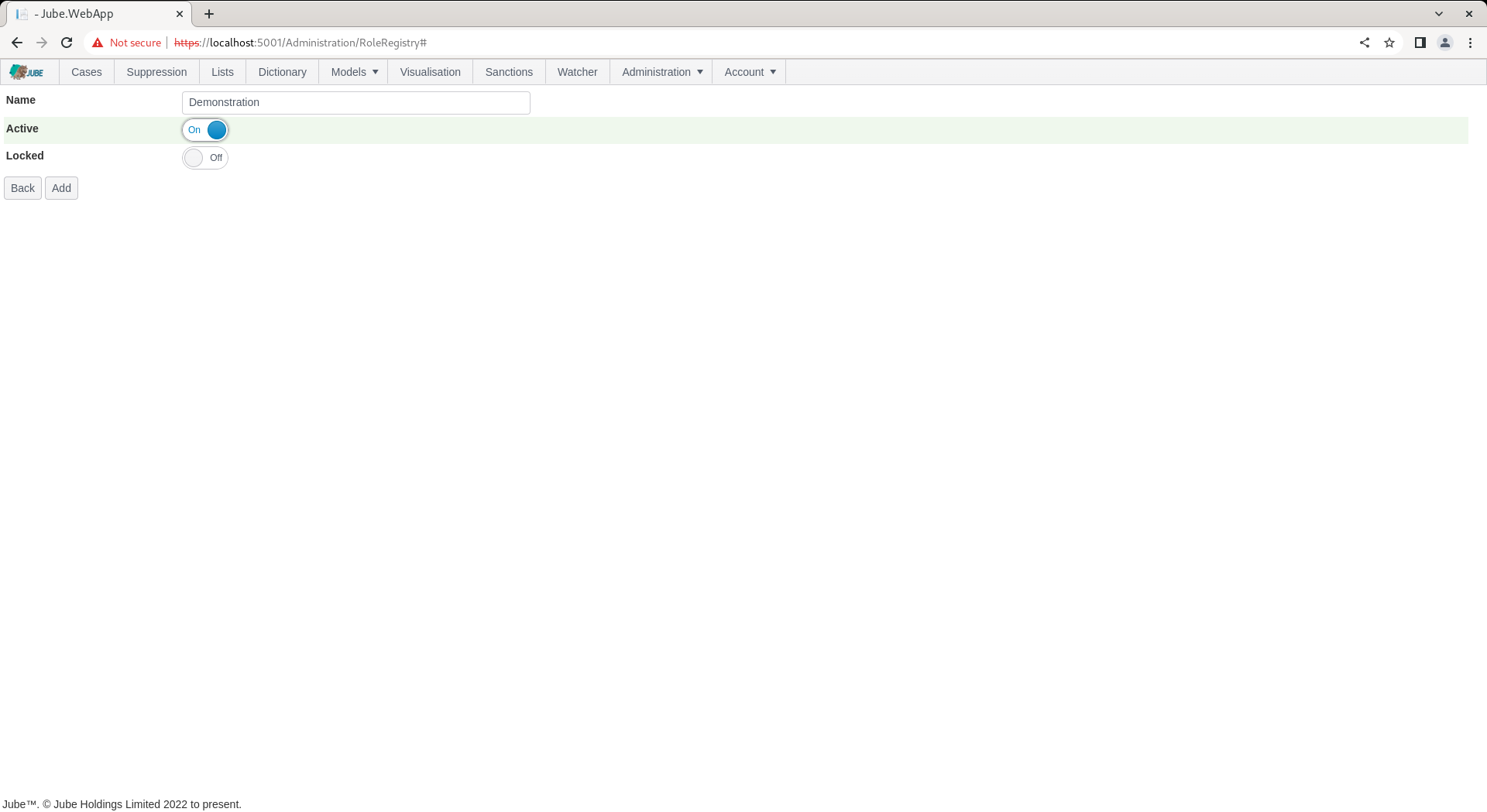
The Role takes no more than a name for the purpose of creating the entity. Complete the Role as follows:
Click Add to create a version of the Role:
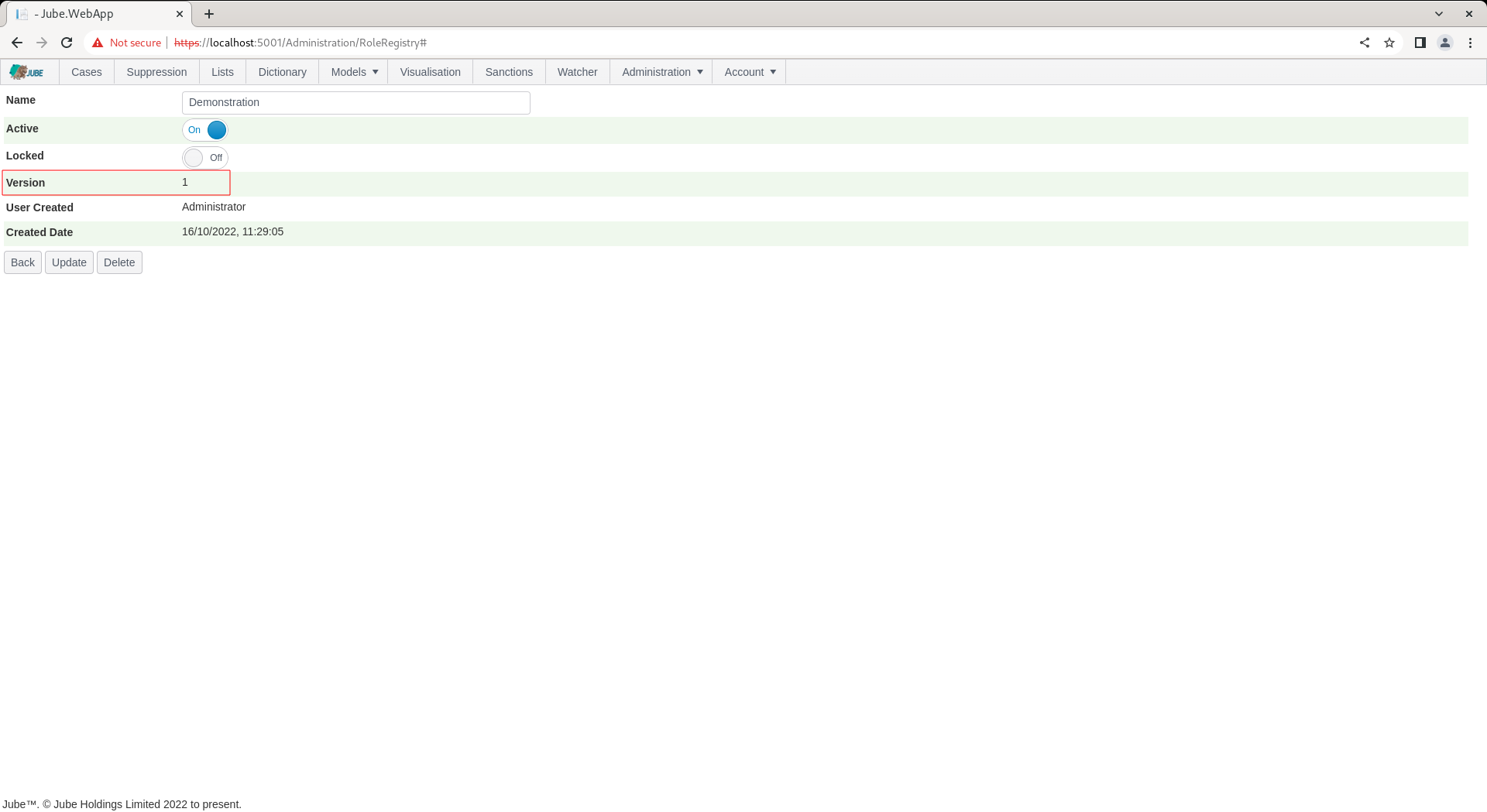
The Role is available to be allocated Permissions, and allocated to a User.